
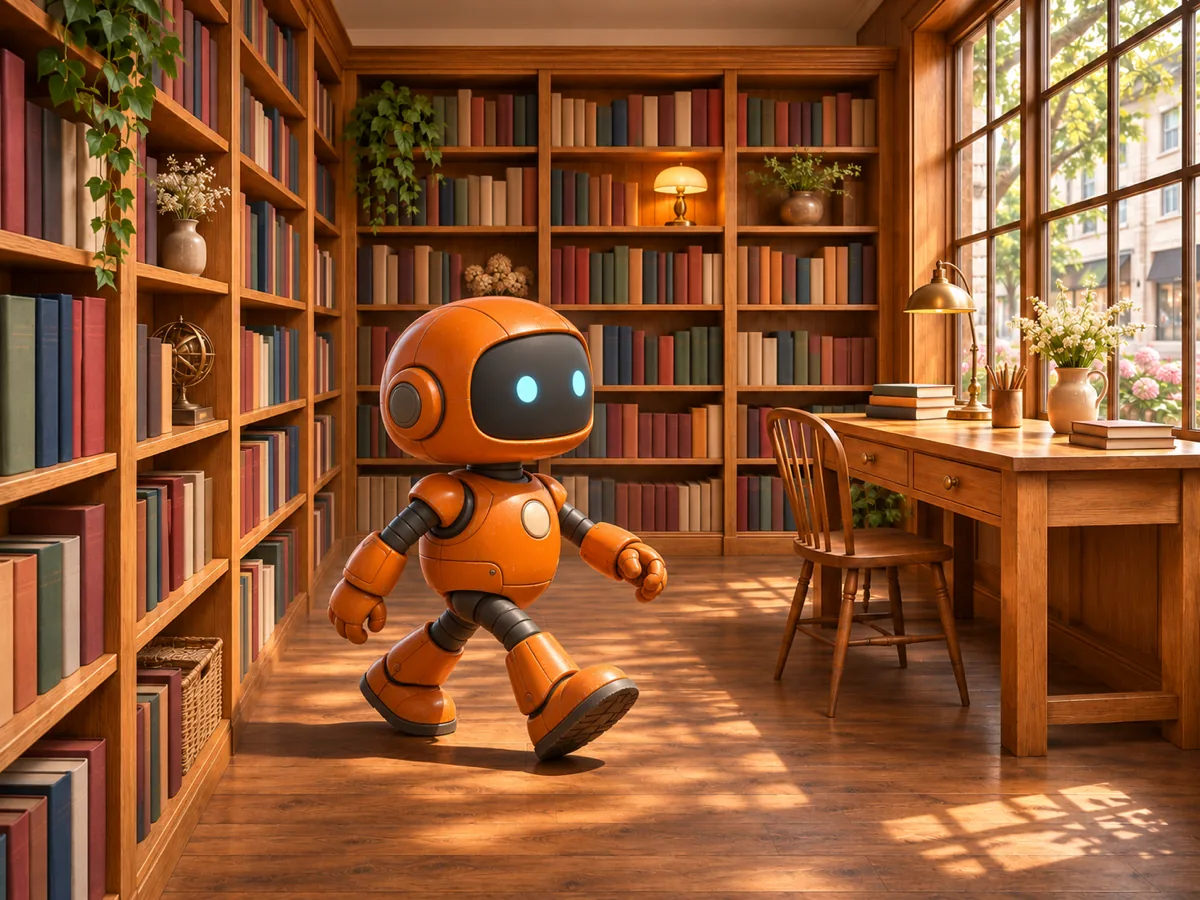
An orange robot walks to a bookstore desk
The orange robot walks to the wooden desk. Keep the robot color and the bookstore recognizable.
Suggested video settings: Veo 3.1 Fast · 8 seconds · 16:9 · 2 references
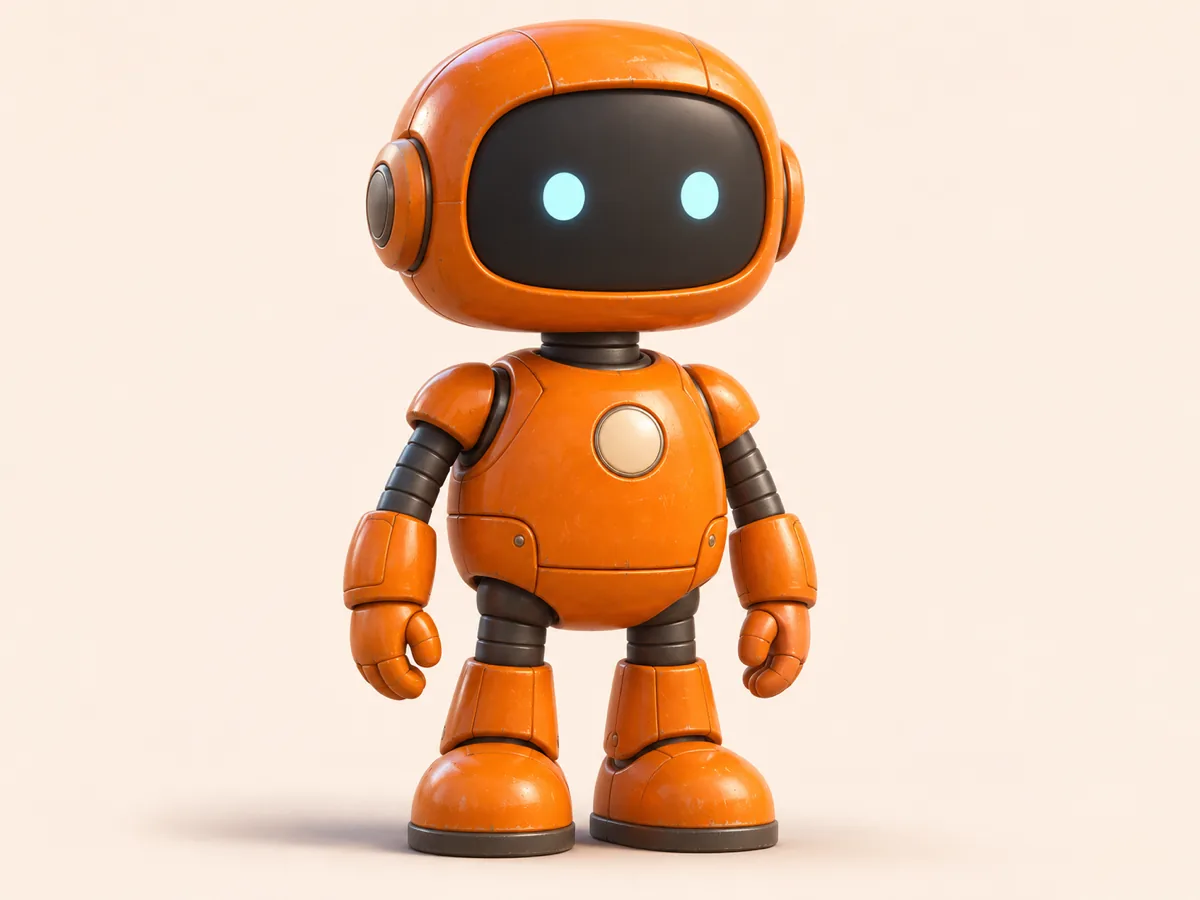
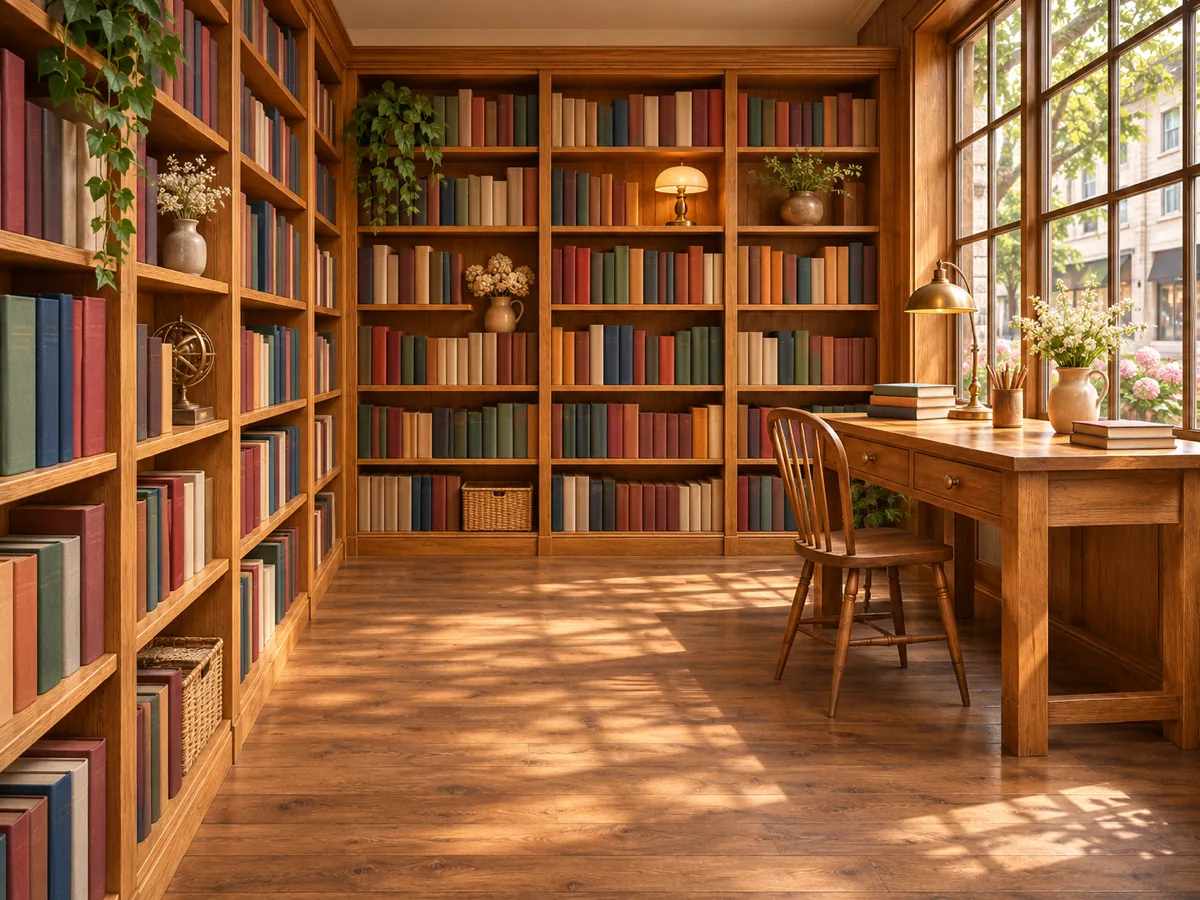
Reference to video uses pictures of a character, a product and a place as guides for one new shot. Upload one to three images, say what each one is, and download an 8-second clip.
Each group pairs its reference pictures with a static illustration of the intended shot, not a generated video. A robot stays orange inside a bookstore. A backpack stays recognizable on a trail. A traveler, a red kettle and a campsite stay distinct in one shot.
The orange robot walks to the wooden desk. Keep the robot color and the bookstore recognizable.
Suggested video settings: Veo 3.1 Fast · 8 seconds · 16:9 · 2 references
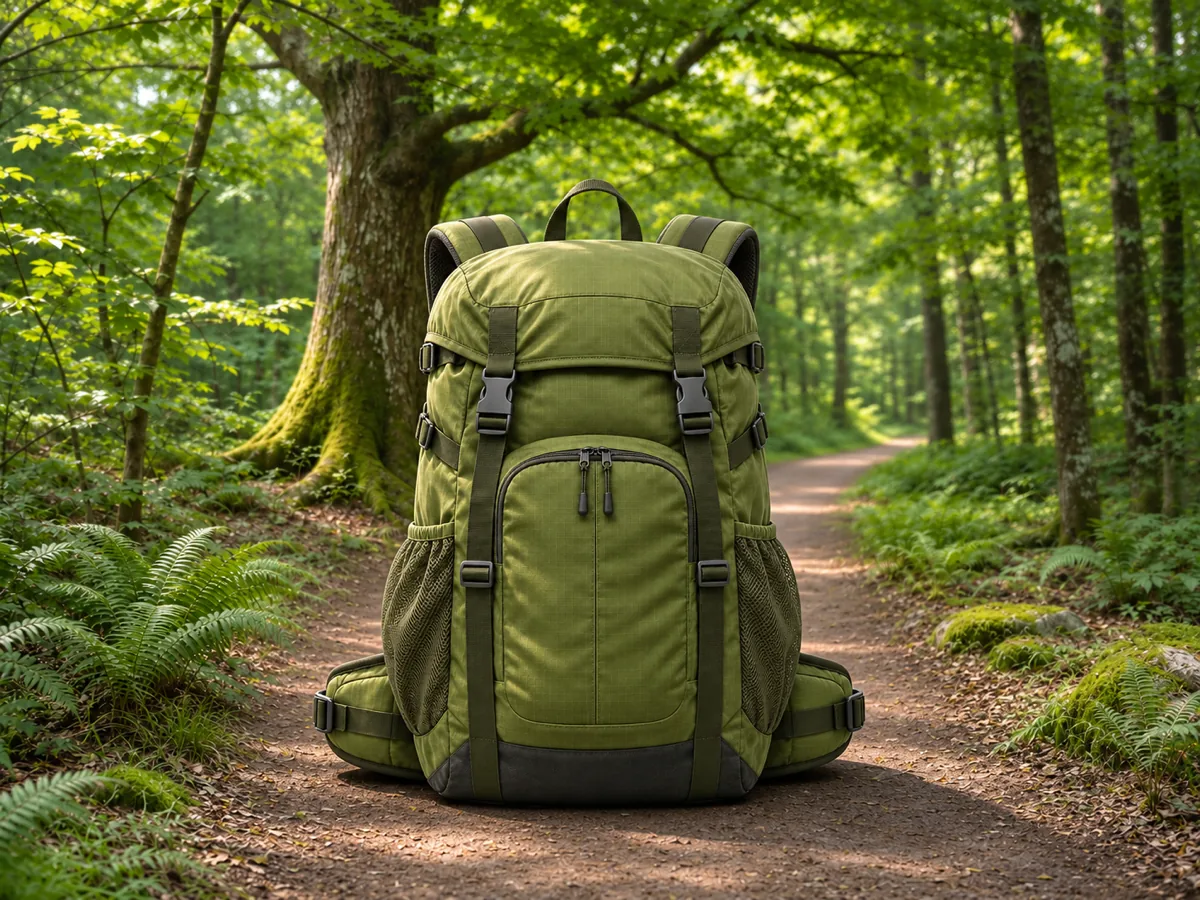
Show the backpack on the forest trail. Keep the pack shape, straps and color visible.
Suggested video settings: Veo 3.1 Fast · 8 seconds · 16:9 · 2 references
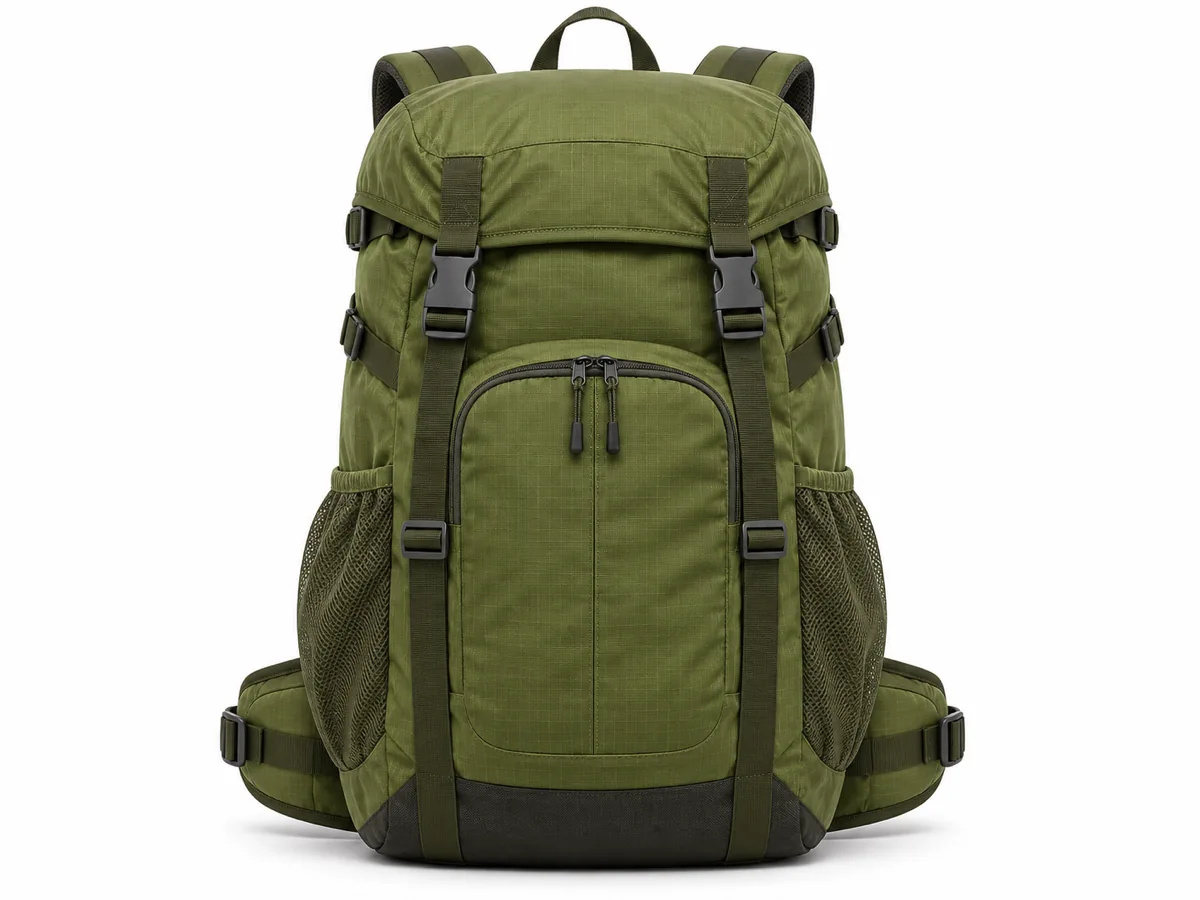
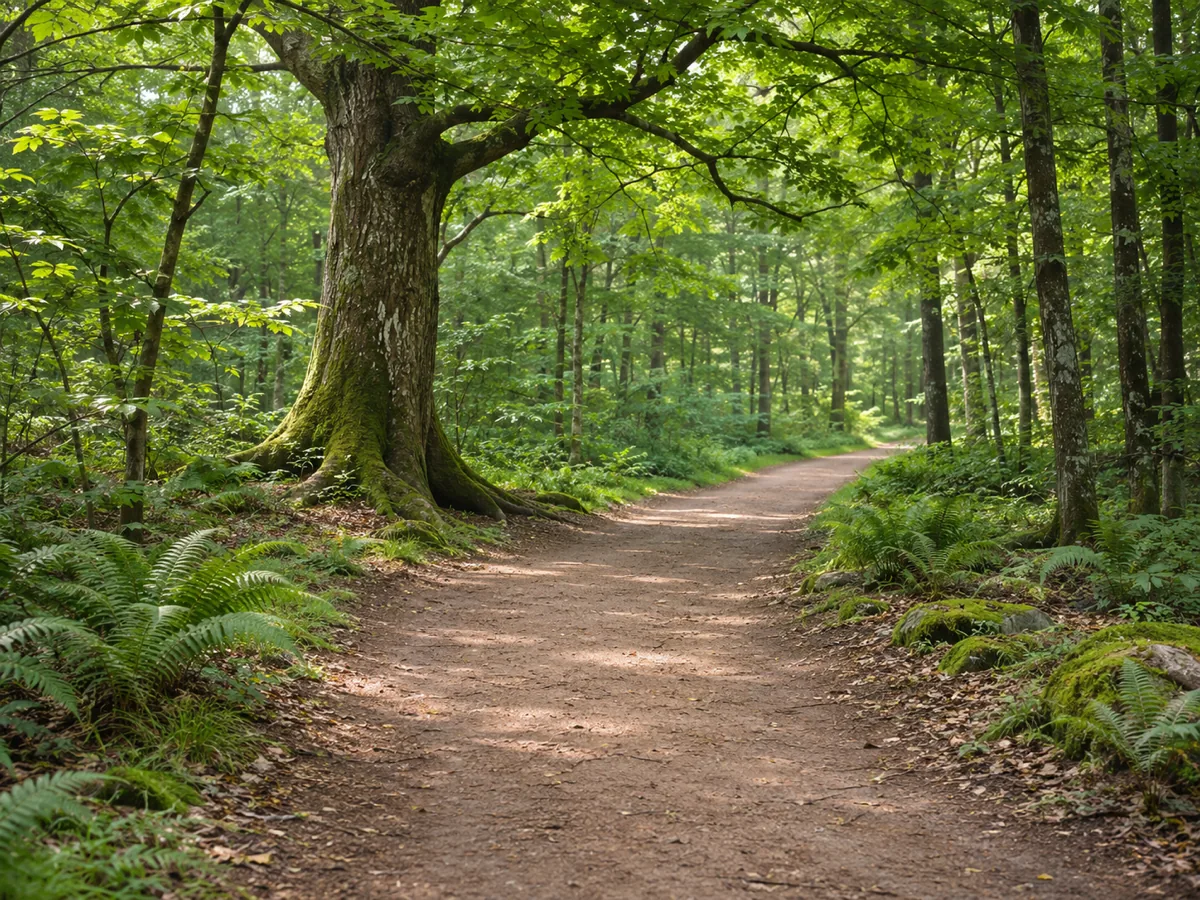
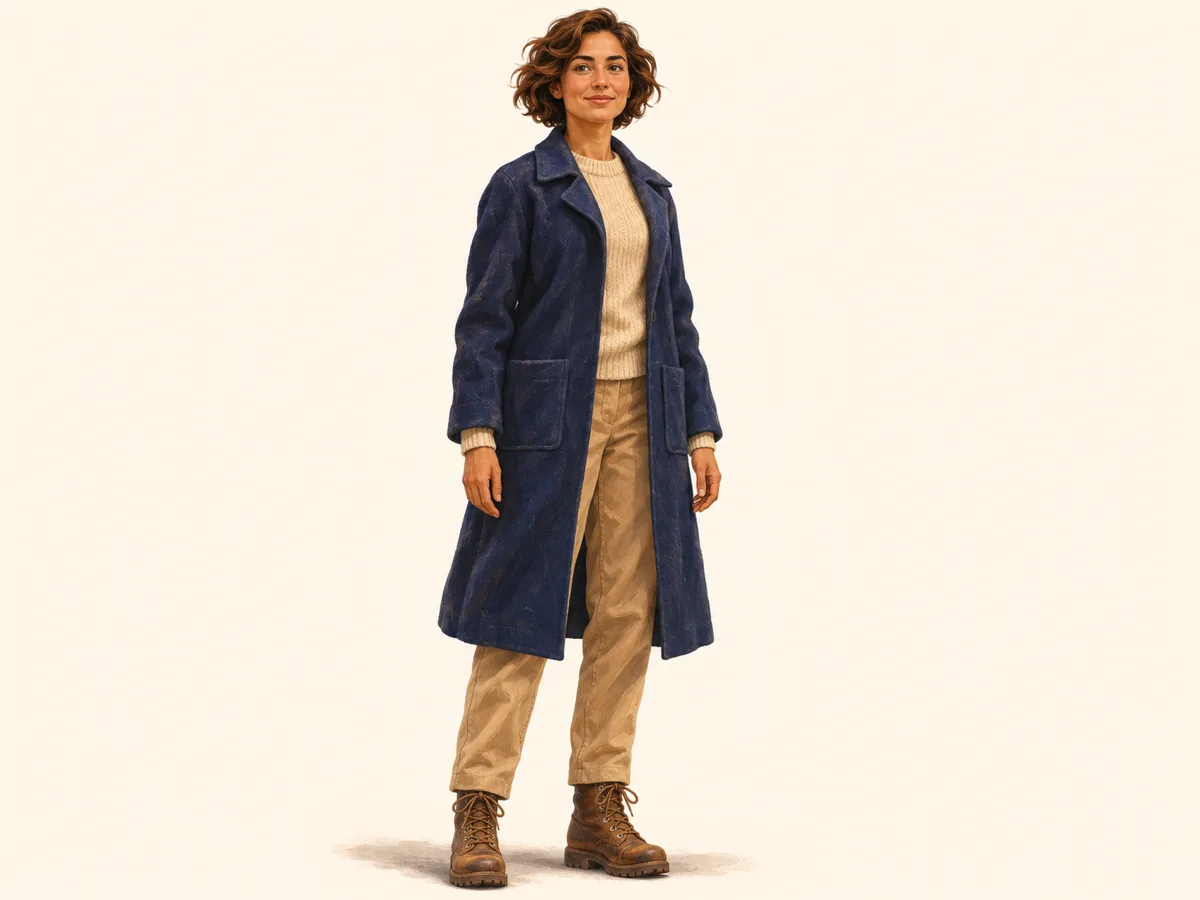
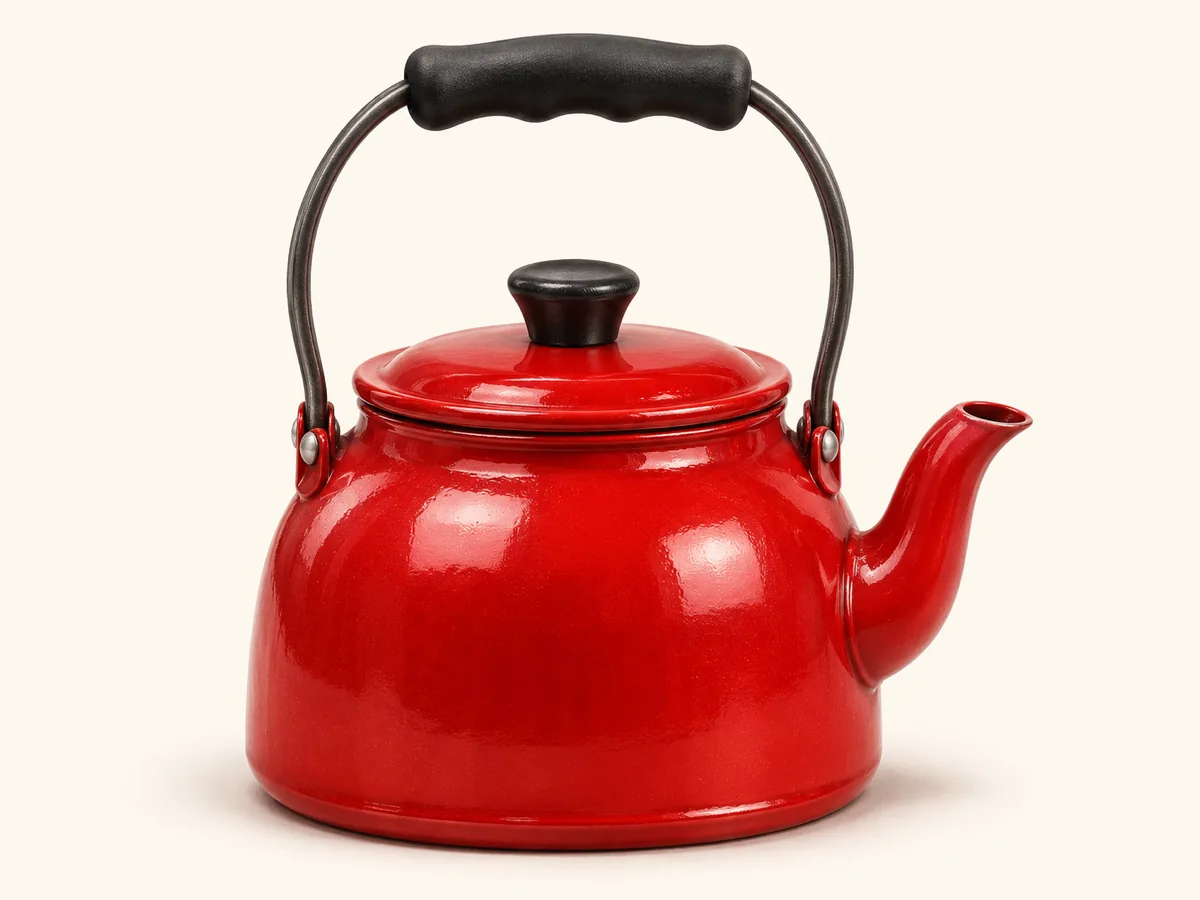
The traveler picks up the red kettle at the campsite. Keep the coat, the kettle and the tent recognizable.
Suggested video settings: Veo 3.1 Fast · 8 seconds · 9:16 · 3 references
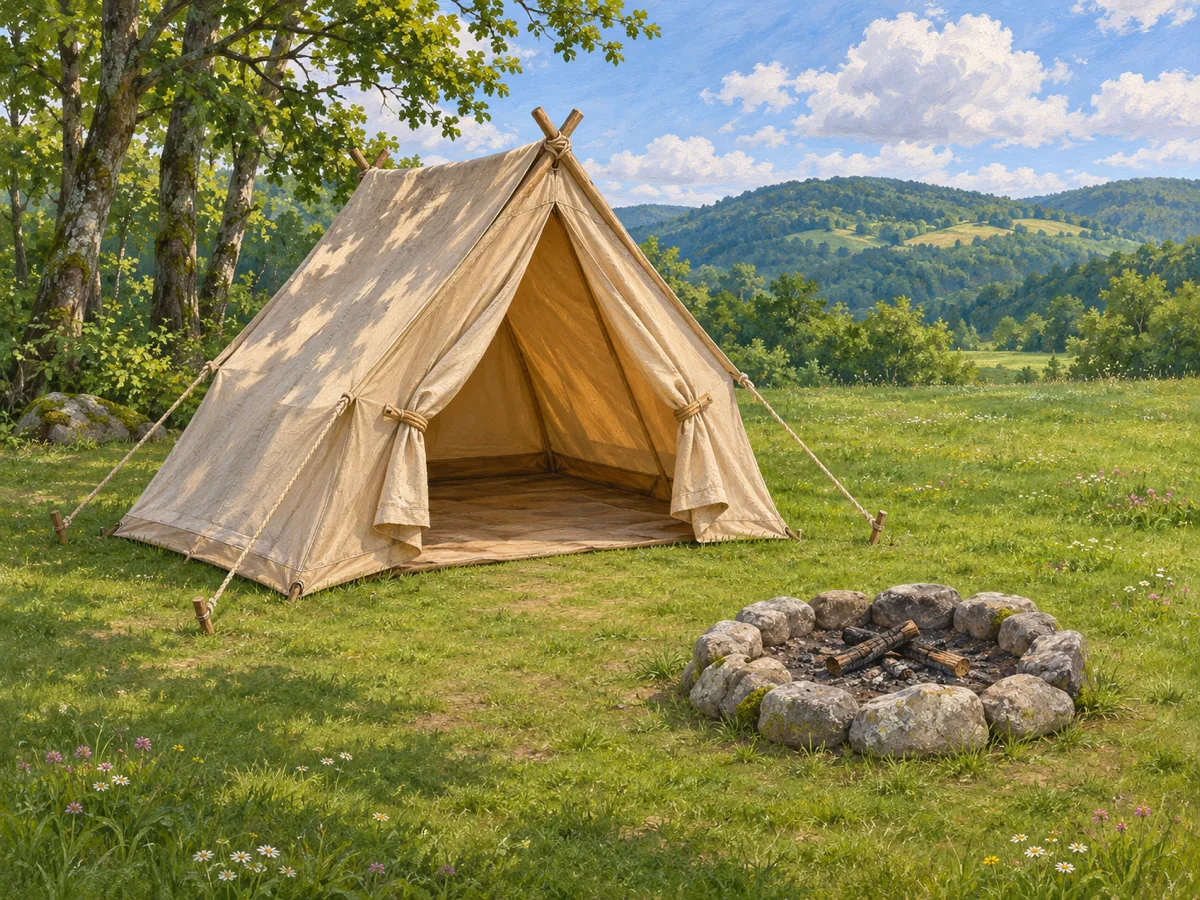
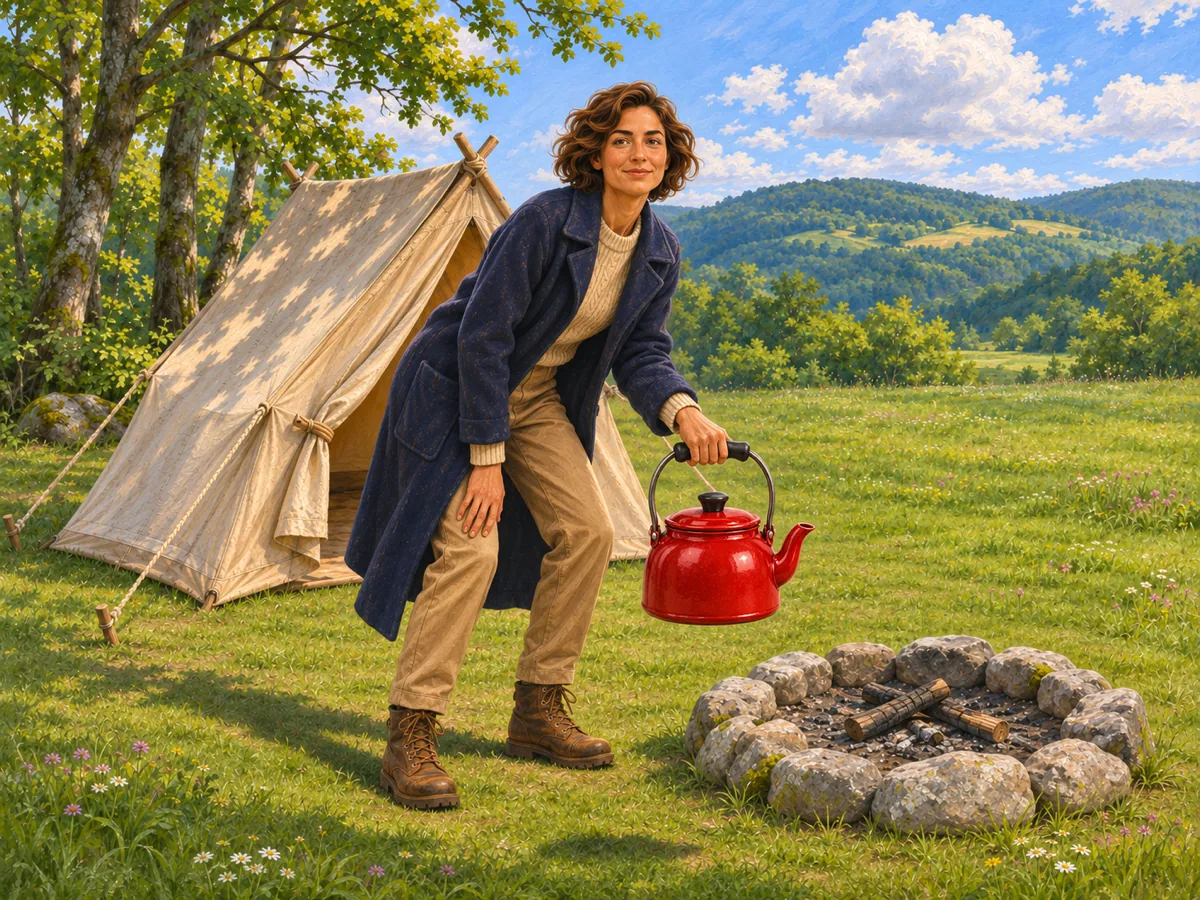
Reference-to-video AI uses several pictures as guides for a new shot. One picture can carry a character, another a product, and another a place. The clip is a new scene, not a locked first frame and not a locked last frame.
A single opening frame has to stay the start of the shot. Reference to video can leave that frame and still keep the orange robot, the backpack or the red kettle recognizable while the action happens somewhere else.
The pictures guide identity, object and place. They do not guarantee that every edge stays identical, and they are not saved as a permanent character library. A clear subject note on each picture tells the shot which reference is which.
Seedance 3 reference to video is the one to use when a character, a product and a place all have to survive inside a new shot. One opening frame keeps a single picture as the start of the clip. A prompt with no pictures invents the scene. A slideshow only cuts between stills.
| Seedance 3 reference to video | One opening frame | Prompt-only video | Photo slideshow | |
|---|---|---|---|---|
| What you start with | One to three pictures | One picture | Words only | A stack of stills |
| What the pictures do | Guide the character, object and place in a new shot | Lock the opening frame | Nothing is supplied | Appear as cuts |
| What can change | The action and the camera, while the subjects stay recognizable | Motion inside that same frame | The whole scene | Only the cut order |
| What you take away | An 8-second clip built from those references | An 8-second clip that opens on that one picture | A clip of an invented scene | The same stills, one after another |
This page stays on Veo 3.1 Fast. That model can take up to three pictures as references for one 8-second shot in 16:9 or 9:16. The pictures are guides for the new shot, not a first frame and a last frame.
Upload one to three pictures, name the subject in each one, describe how they meet, choose 16:9 or 9:16, then generate and check that each subject is still recognizable.
Use one to three JPEG, PNG or WebP images, each up to 20MB. Put the character, the product and the place in the order you want them read. A fourth picture is refused, so none of the set is dropped in silence.
Write a short note on every picture, such as the orange robot or the red kettle. The note is added to the prompt in that same order. It is plain text, not a saved character ID.
Say what the subjects do together. The robot walks to the desk. The traveler picks up the kettle. Replacing one picture keeps the other pictures and the words you already wrote.
Preview the 8-second clip and download it. Look for the robot color, the backpack straps or the red kettle. If a subject disappeared, adjust that note or the action and generate again. The last finished clip stays until the new one succeeds.
Reference to video builds a new short clip from one to three pictures. Each picture guides a character, an object or a place. On Seedance 3 the result is an 8-second shot, not a slideshow and not a locked opening frame.
It is the workflow that keeps several references recognizable inside one new scene. You upload the pictures, name each subject, and describe the action. The model uses those pictures as guides rather than as the first and last frames.
Upload the character, the product and the place as separate pictures. Name each one, describe the action, choose 16:9 or 9:16, and generate. Then check that the coat, the product and the place are still recognizable.
One opening frame starts the clip on that exact picture. Reference to video can stage a new action while the subjects come from the pictures you uploaded. Use one frame when the photo itself has to be the start of the shot.
One, two or three JPEG, PNG or WebP images. Each file must be 20MB or smaller and open on your device. Zero pictures and a fourth picture are stopped before a generation starts.
No. The note is text in the prompt, written as Reference 1, Reference 2 and Reference 3 in the order shown on the page. It tells the shot which picture is which. It is not stored as a reusable identity.
Veo 3.1 Fast makes an 8-second clip in 16:9 or 9:16. This page does not switch that model, because another model would treat the pictures as frames instead of references.
The subjects should stay recognizable: the robot color, the backpack shape, the red kettle. Faces, labels and small edges can still shift. Check the preview, then change a note or the action if a subject was lost.