AI Animation Generator

Use this AI animation generator when the clip needs a drawn, modeled, or clay look. One action stays in the frame. Start from the sentence, or add one character image.

Illustrative stills in three looks

Static illustrations of the three looks and suggested settings, not generated video clips.

Seedance 1.5 Pro · 2D illustration · 8 seconds · 16:9 · 720p

An original robot extends one small gift box forward. One action, a still camera. Flat illustrated animation, with one consistent line and a limited palette. No readable text.

A robot offers a gift

Illustrative still: a flat illustrated robot extending one small gift box

Illustrative still of a robot holding a gift box. Not a generated video.

Seedance 1.5 Pro · 3D stylized · 4 seconds · 16:9 · 720p

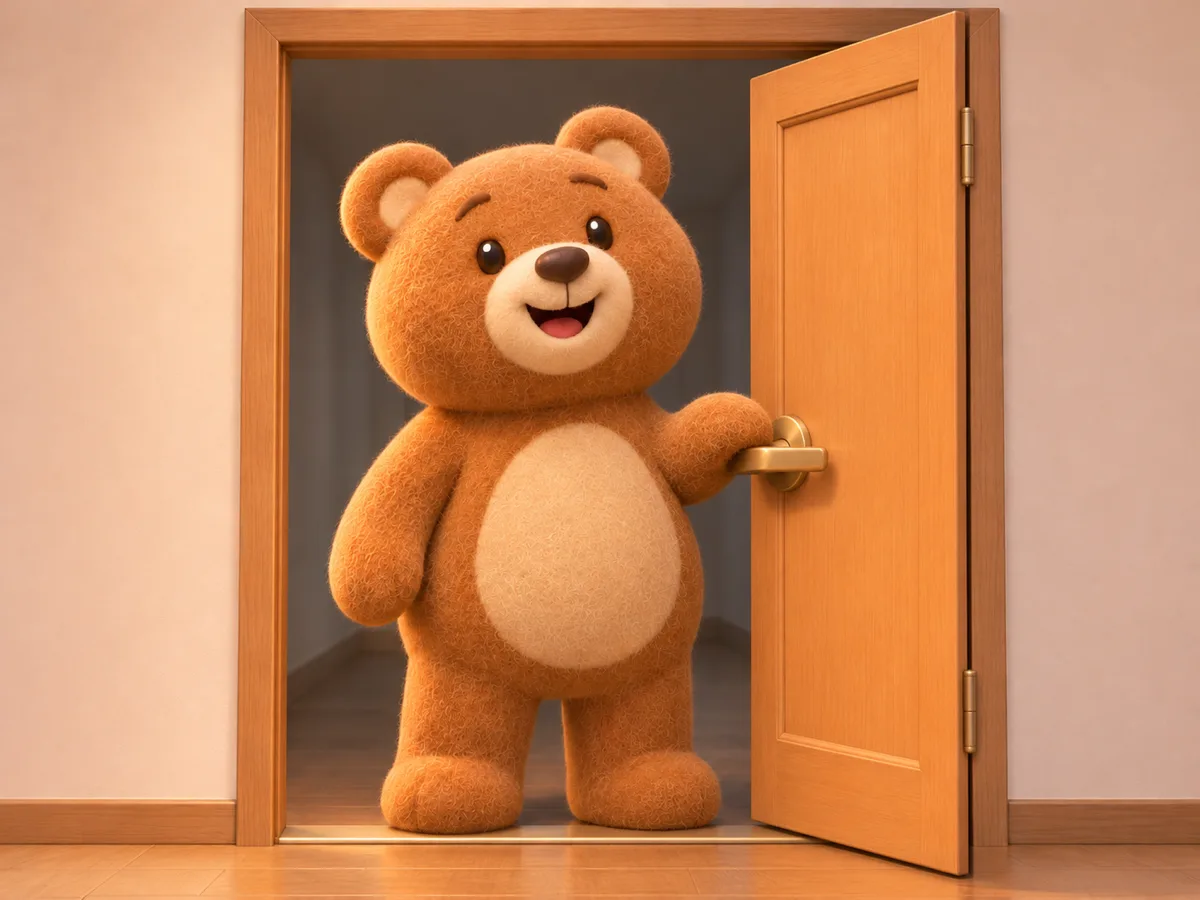
A rounded bear mascot opens one door and stays in the doorway. One action, a still camera. Stylized 3D animated scene, with stable volume and one material. No readable text.

A bear opens the door

Illustrative still: a rounded 3D bear mascot opening a single door

Illustrative still of a bear in a doorway. Not a generated video.

Seedance 1.5 Pro · Clay · 12 seconds · 16:9 · 720p

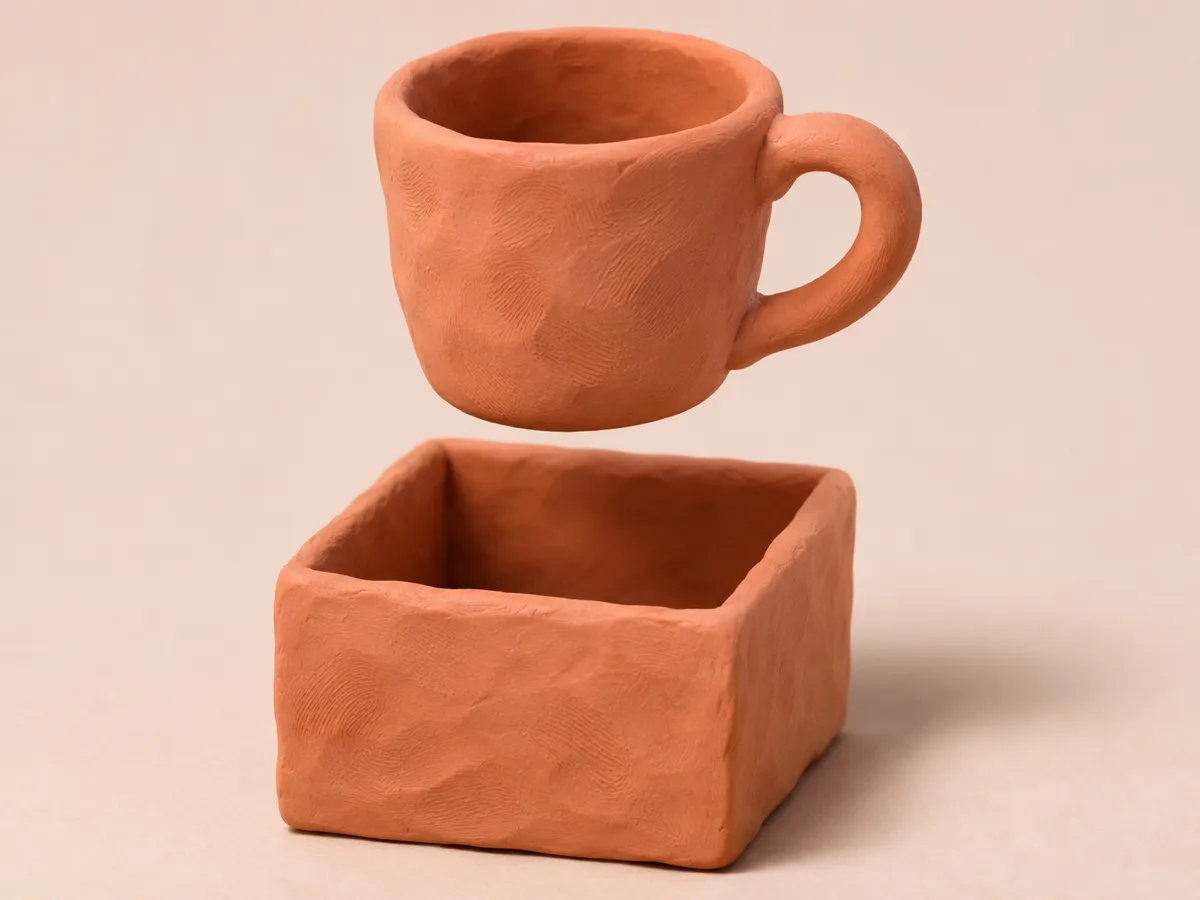
A clay cup pops up out of one small open box. One action, a still camera. Tactile clay stop-motion look, with the same clay surface throughout. No readable text.

A clay cup leaves the box

Illustrative still: a clay cup rising out of a small open box

Illustrative still of a clay cup above a box. Not a generated video.

What kinds of animation can you generate?

You can generate a 2D illustration, a stylized 3D scene, or a clay stop-motion look. Each result is a short clip of one action.

A character image is optional. The same image can stay in place while the look changes from flat line, to solid volume, to clay.

2D illustration fits a flat character with one line weight and a limited palette. Stylized 3D fits a rounded mascot whose volume stays put. Clay fits one object that keeps the same tactile surface.

A styled animation clip vs a timeline edit

Seedance 3 animationTimeline editorPhoto slideshowAd brief
Starts fromOne action sentenceA cut timelineA stack of stillsA product brief
CharacterOne optional imageA rigged castNoneOptional photos
Look2D, 3D, or clayDepends on the editStill framesA sales beat
MotionThe subject moves in a steady frameMany camera cutsNoneA sales beat
SoundNot turned onOften a soundtrackNoneOften a voiceover
ResultAn MP4 clipAn editable projectStillsAn ad cut

This page opens on Seedance 1.5 Pro because a sentence can start the clip and one character image can hold the outline. 4, 8, and 12 seconds are available at 16:9. The camera stays still, and this page does not turn sound on.

How to make an animated clip from an idea or character image

  1. 1. Choose the look

    Pick 2D illustration, 3D stylized, or Clay. The choice rewrites the style sentence and leaves the action in place.

  2. 2. Describe one action

    Name what the character does once. A robot offering a gift, a bear opening a door, or a cup leaving a box is enough.

  3. 3. Add a character image

    Add one JPEG, PNG, or WebP image up to 20MB when the outline should stay. Skip it when the sentence is enough.

  4. 4. Generate and check the motion

    Generate is the step that creates the clip. Check the silhouette and the rhythm, then download the MP4 for the length and frame you chose.

Animation questions

What is an AI animation generator?

An AI animation generator turns one written action into a short styled clip. On this page the look can be 2D illustration, stylized 3D, or clay, and a character image is optional.

What kinds of animation can you generate?

You can generate a flat illustrated clip, a stylized 3D scene, or a clay stop-motion look. Each one is a single action in a steady frame.

How do I make an animated clip from an idea or character image?

Choose the look, describe one action, and add one character image only when the outline should stay. Generate, then check the silhouette and the rhythm.

Can I start without a character image?

Yes. The sentence is enough. Add one image when the same outline should stay while the look changes.

Does the clip include sound?

This page does not turn sound on. The download is the picture sequence for the length and frame you chose.

Does a different length change the credit estimate?

Yes. The button shows the estimate for the model, length, and resolution currently selected. Changing 12 seconds to 4 seconds updates that number before you generate.

Is the result an editable rig or a project file?

The result is the MP4 for the length and frame you chose. The page renders the clip from the prompt and the optional character image.