
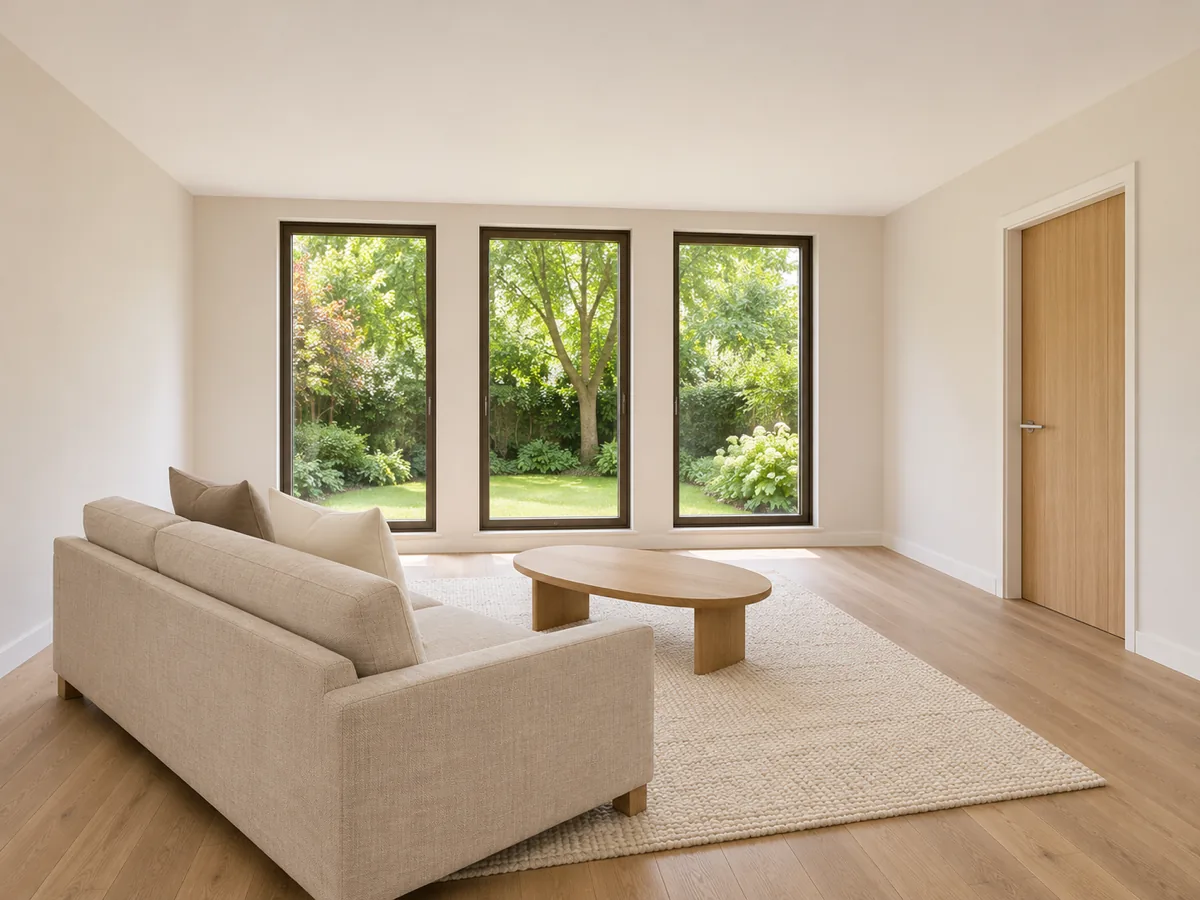
Interior · Gentle push-in · 16:9 · 8 seconds
Living room listing shot
Static illustration of a planned push-in, not a generated video. The intended motion keeps the doors, windows and sofa in place.
Use this real estate video maker to turn one property photo into an 8-second listing shot that moves through the space and light already in the picture.
Static illustrations of suggested framing and camera settings. These images are not generated video results.
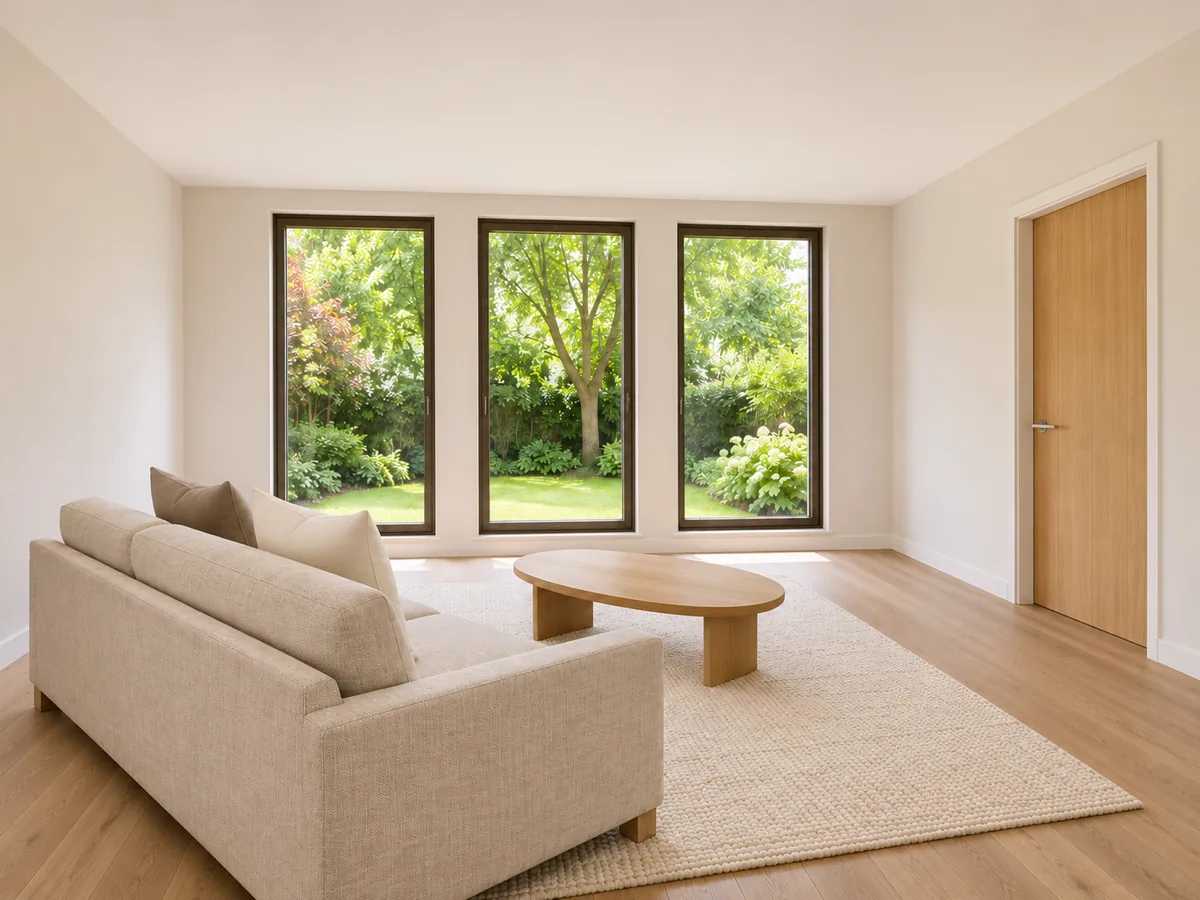
Interior · Gentle push-in · 16:9 · 8 seconds
Static illustration of a planned push-in, not a generated video. The intended motion keeps the doors, windows and sofa in place.
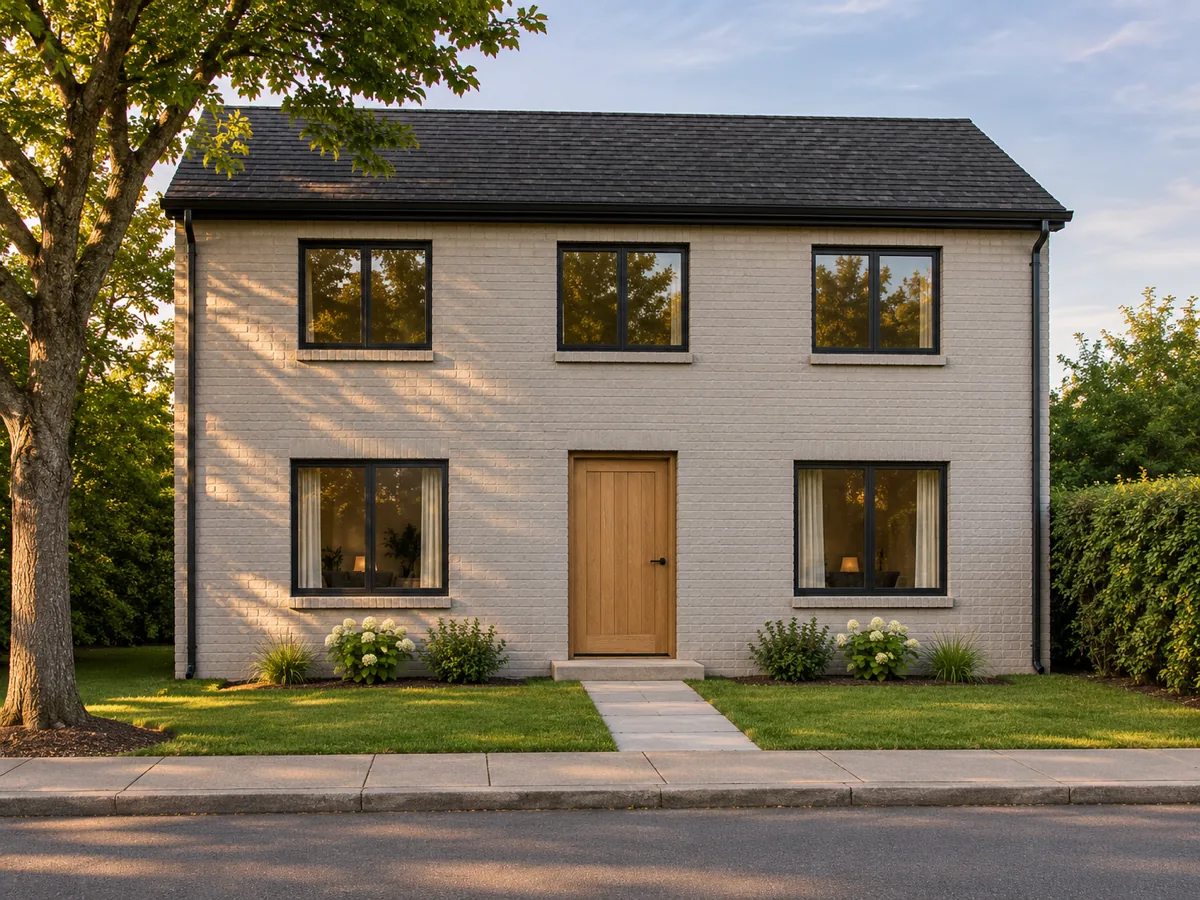
Exterior · Subtle pan · 16:9 · 8 seconds
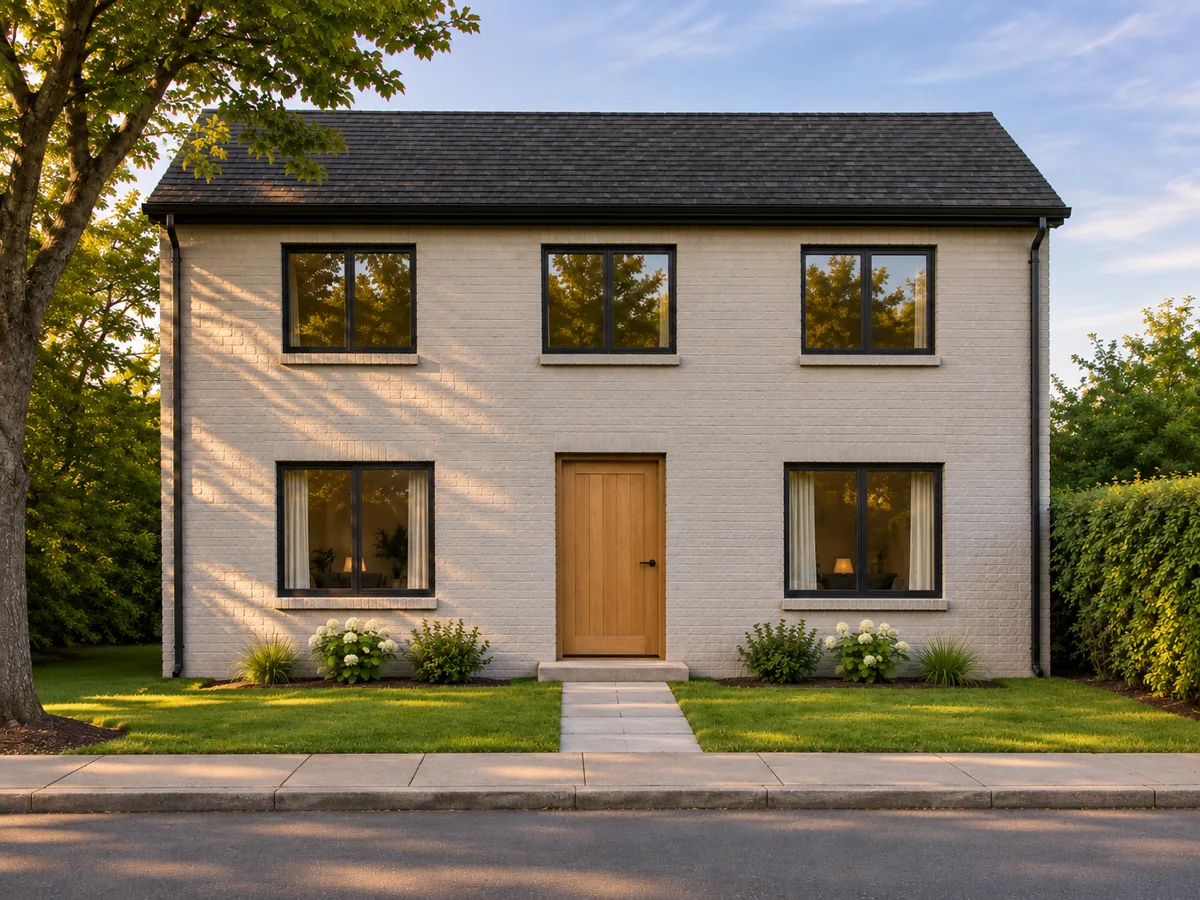
Static illustration of a planned pan, not a generated video. The intended motion keeps the floors, windows and street readable.
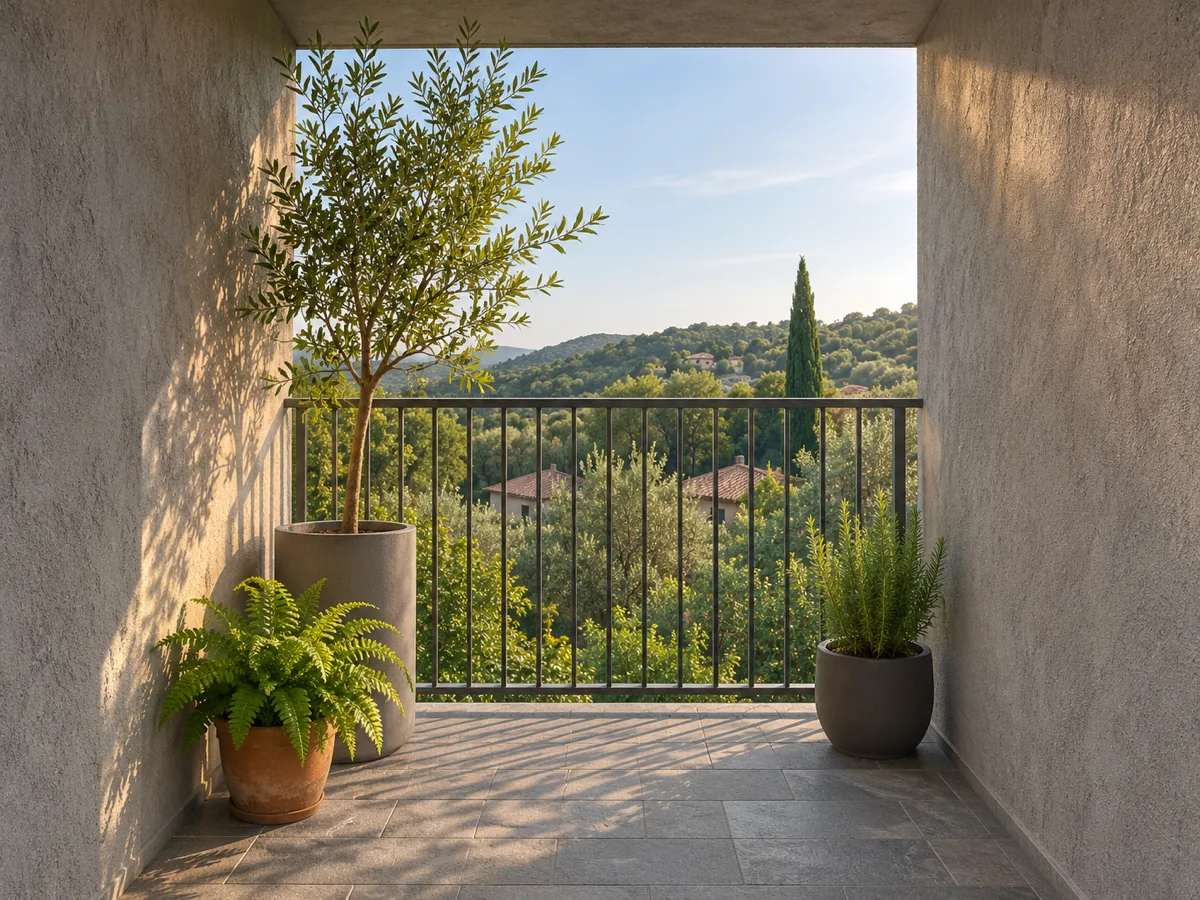
Exterior · Static ambience · 9:16 · 8 seconds
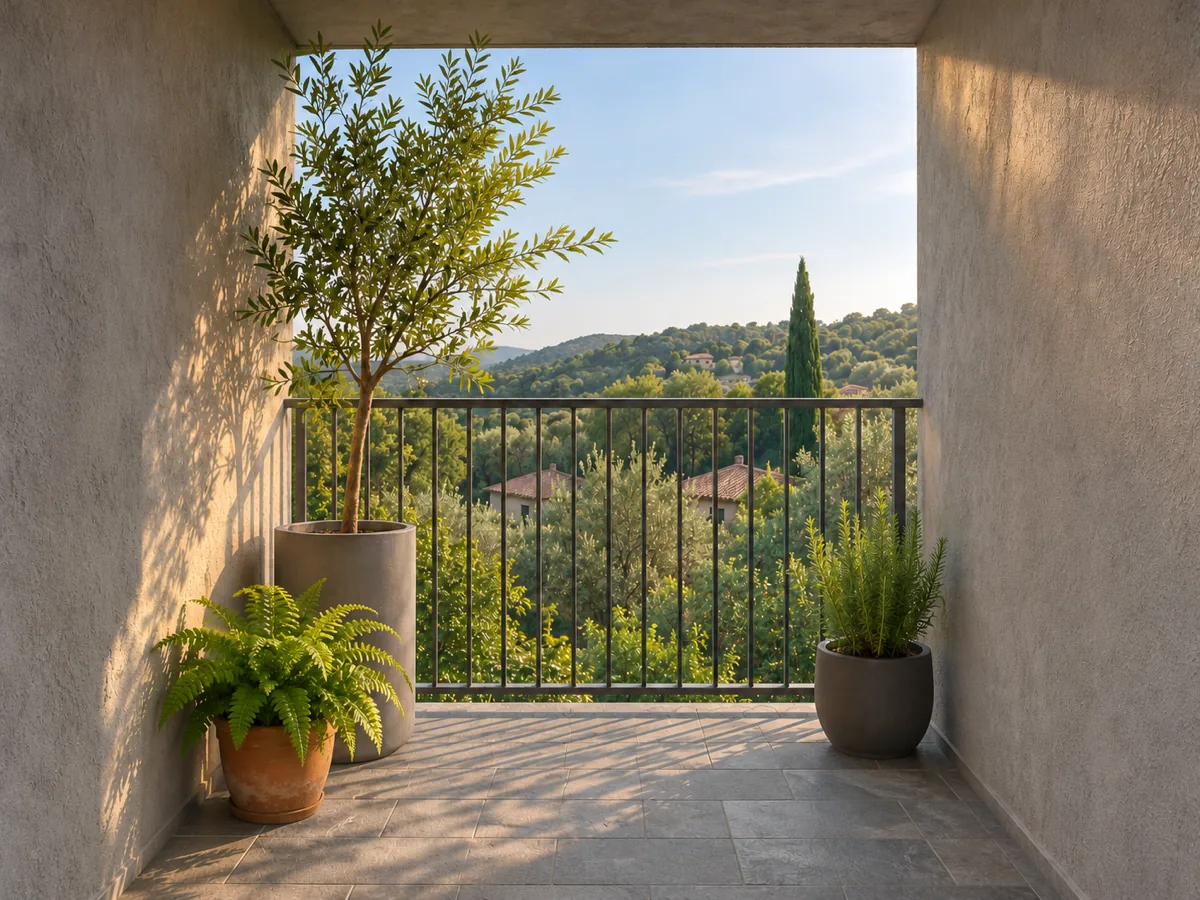
Static illustration of planned ambience, not a generated video. The intended motion adds subtle movement to leaves and light while preserving the view.
One clear photo becomes a short listing shot that moves through the space and light already in the picture. It does not rebuild the whole house. One photo is not a whole-house reconstruction.
The shot keeps the architecture that is already in the picture. Walls, doors, windows and furniture stay in the same places. A real estate video maker on this page does not stage new furniture, open another room, or turn the photo into a different space.
| Seedance 3 listing shot | Virtual staging | Orbiting room render | Photo slideshow | |
|---|---|---|---|---|
| Source | The property photo you upload | A redesigned room | A modeled room | The still photo |
| Camera | A gentle push-in, a subtle pan, or a still frame with moving light | A staged walkthrough | An orbit around the room | Cuts between stills |
| What stays | Walls, doors, windows and furniture stay in the photo | Furniture can be replaced | The room can be rebuilt | The still photo |
| Frame | 16:9 for the listing, or 9:16 for a story | Whatever the staging file exports | A rendered orbit | A slideshow frame |
| What the shot adds | Motion through the space already in the photo | Rooms, furniture, or a pool | A camera path around a model | No move through the space |
This page opens on Veo 3.1 Fast because one property photo becomes the opening frame, the clip stays 8 seconds, and both 16:9 and 9:16 are available. The camera move stays in the prompt. Seedance 1.5 Pro holds the lens still, which works against a push-in or a pan. Models that need a start frame and an end frame use other lengths. Veo 3.1 Quality follows the same 8-second photo path at a higher credit estimate, so the page starts on Fast.
Use one JPEG, PNG, or WebP photo of the room or the facade, up to 20 MB.
Gentle push-in, subtle pan, or static ambience. The move is written into the shot.
Look at the walls, windows, doors and furniture against the picture you uploaded.
Generate the 8-second shot, then download it for the listing or a 9:16 story.
A real estate video maker turns one property photo into a short listing shot. On this page the shot keeps the walls, doors, windows and furniture in the picture and moves the camera gently through that space.
One clear photo becomes an 8-second listing shot of the space and light already in the picture. One photo is not a whole-house reconstruction, and the page does not add rooms or furniture.
Choose a wide sharp photo, pick a gentle camera, check the walls, windows, doors and furniture, then download the clip for the listing.
A listing shot on this page starts from the photo you upload and leaves the room where it is. Virtual staging redesigns the room and can add furniture. An orbiting render builds a camera path around a model. A slideshow cuts between stills.
The page opens on 16:9 for a listing. Switch to 9:16 when the same photo needs a vertical story. The frame preview stays on this page, and Generate is the step that creates a clip.
Writing the shot, choosing the camera, and switching the frame stay on this page. Generate is the step that creates a clip. The button shows the credit estimate for the model you selected.