
Suggested video settings: Veo 3.1 Fast · UGC · 8 seconds · 9:16
a daily cup. fits a daily routine. Suggested spoken line: "This cup fits my daily routine."
A cup for the day

Illustrative still: a fictional creator holds a cup in frame.
Use this AI UGC video generator when a fictional creator should explain one product. Write one English sentence, keep the product in the shot, and generate an 8-second vertical clip.
These illustrations show composition ideas, not generated video results. They contain no motion or audio. Use a concept to prepare a video request.
Suggested video settings: Veo 3.1 Fast · UGC · 8 seconds · 9:16
a daily cup. fits a daily routine. Suggested spoken line: "This cup fits my daily routine."
Illustrative still: a fictional creator holds a cup in frame.
Suggested video settings: Veo 3.1 Fast · UGC · 8 seconds · 9:16
a day backpack. a pocket within easy reach. Suggested spoken line: "Keep your essentials within easy reach."
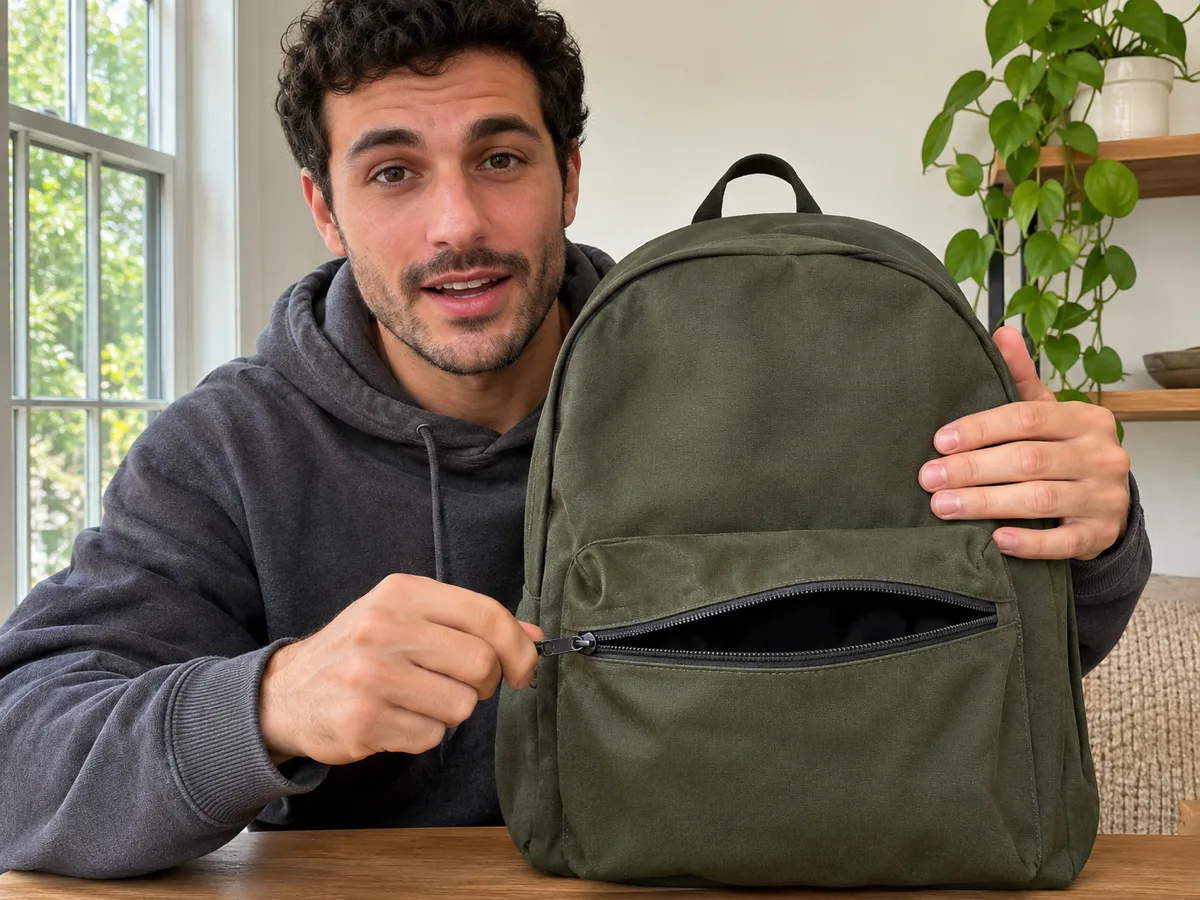
Illustrative still: a fictional creator poses with a backpack pocket visible.
Suggested video settings: Veo 3.1 Fast · UGC · 8 seconds · 9:16
a desk lamp. a warm glow for a desk. Suggested spoken line: "Add a warm glow to your desk."
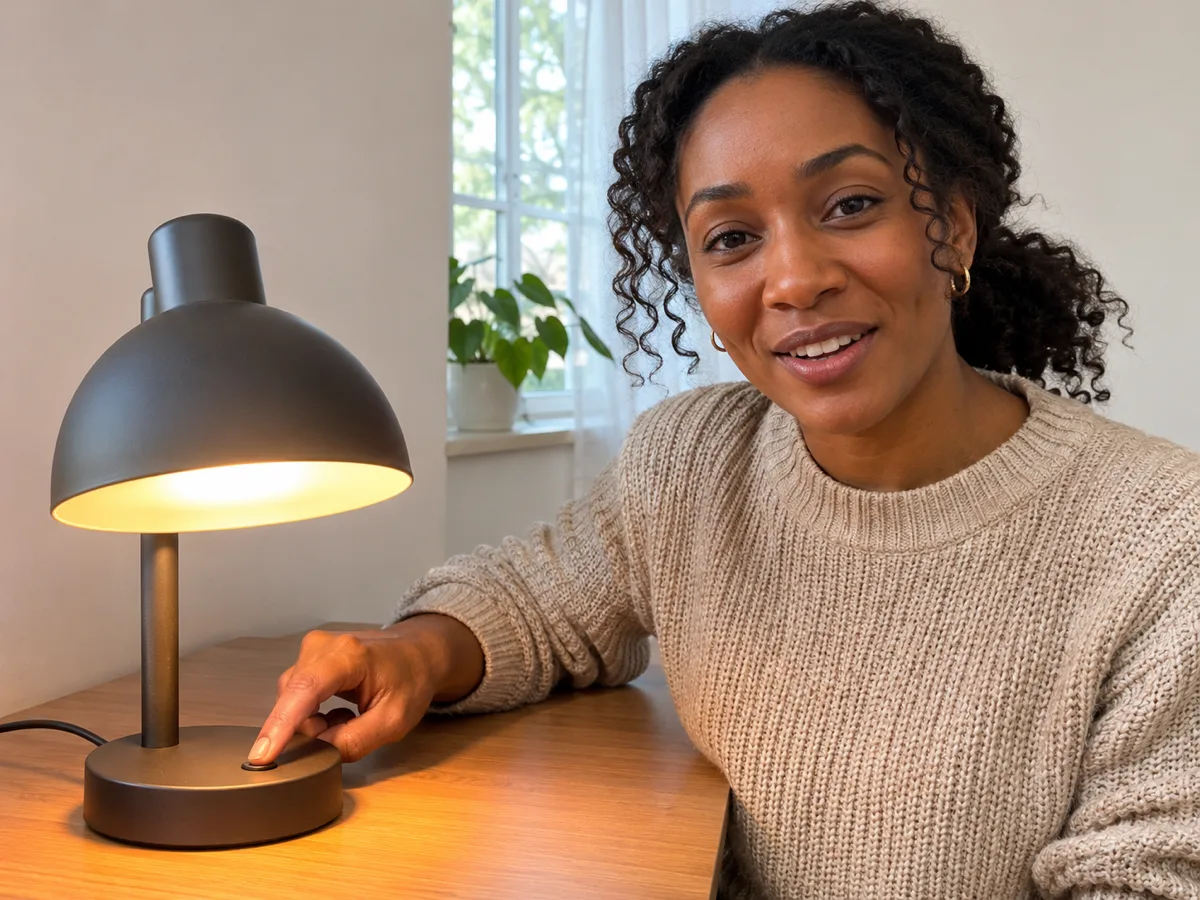
Illustrative still: a fictional creator sits beside a glowing desk lamp.
An AI UGC-style product video is a short clip of one fictional creator explaining one product. The person, the product, and one English sentence share the same shot.
The sentence is the spoken line. The selling point is the fact the creator demonstrates. The product stays visible while the line is said.
The creator is a fictional appearance for the clip. The page demonstrates the product facts you enter.
| Seedance 3 UGC | Silent product spin | Scripted testimonial | Voice clone | |
|---|---|---|---|---|
| Start | A product, one selling point, and one English sentence | Product footage | A written customer quote | A recorded voice |
| Person | One fictional creator in the shot | No speaker | A named customer | A cloned voice |
| Sound | The sentence is spoken in the shot | No speech | A separate voiceover | A copied voice |
| Product | The product stays in the same shot | The product spins alone | The quote can leave the product | The voice can leave the product |
| Photo | One product photo is optional | Footage of the product | A customer photo | A voice sample |
| Length | 8 seconds, vertical | A product loop | An edited ad | A voice take |
| Result | An MP4 of this creator explaining this product | A mute product view | A testimonial edit | A cloned performance |
This page opens on Veo 3.1 Fast because one fictional creator says one English sentence in a vertical 8-second clip. The product and the line stay in the same shot. A product photo is optional. The creator is an appearance you describe.
Enter the product and one selling point a viewer can see, such as a cup that fits a daily routine or a lamp that warms a desk.
Use 1 to 12 English words. The sentence is the line the fictional creator says.
The preview shows the sentence in quotes. Editing the sentence stays on the page.
Generate is the step that creates the clip. Check the spoken sentence, the mouth, and the product, then download the MP4.
It is a short clip of one fictional creator explaining one product. The person, the product, and one English sentence share the same shot.
Name the product, add one selling point, and write one English sentence of 1 to 12 words. Generate, then check the spoken sentence, the mouth, and the product.
Use 1 to 12 English words. The length is written for the 8-second vertical clip.
Yes. Add one JPEG, PNG, or WebP photo up to 20MB when the product shape should stay. The sentence can also start the clip without a photo.
The creator is a fictional appearance you describe. The clip demonstrates the product facts you enter.
Editing the sentence and reading the preview stay on the page. Generate is the step that creates the clip.
The request uses that exact sentence, spoken in the shot, with the product visible and no music over the words.
The clip stays at 8 seconds and 9:16. The spoken line is one English sentence.