AI Dance Video Generator

Use this AI dance video generator when one full-body photo should move. Pick a side step, a gentle groove, or an arm wave, then keep the face, clothes, and feet in frame.

Three illustrative dance stills

Illustrative still images and suggested prompts, not generated video results.

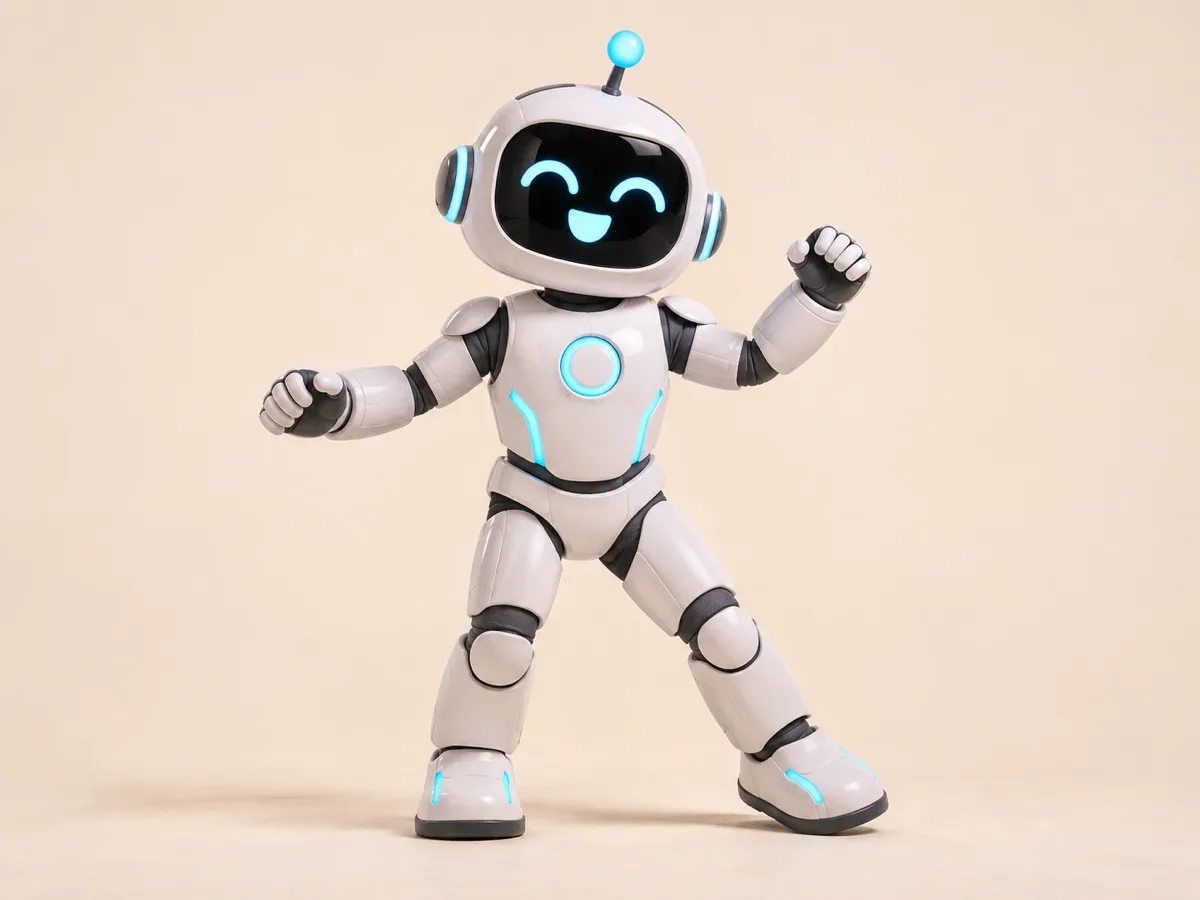
Hailuo 2.3 Pro · Side step · Low · 6 seconds

An original robot mascot stands full length, with both feet visible and no extra limbs. Side step, with both feet staying in frame and one step to the side. Low amplitude, a small motion that keeps the full body in place. No readable text.

A robot side step

Illustrative still of a full-body robot mascot in a side-step pose.

Illustrative still: a full-body robot posed for a side-step prompt.

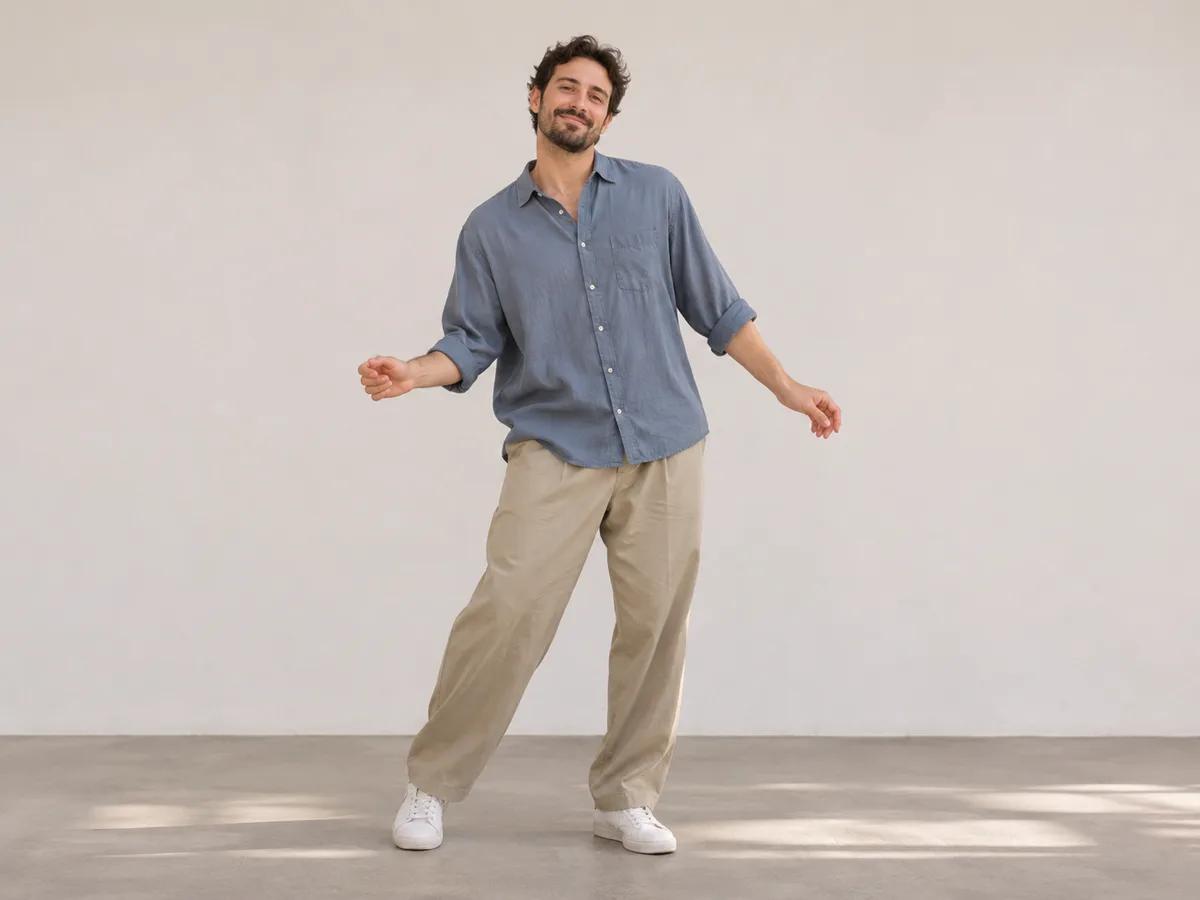
Hailuo 2.3 Pro · Gentle groove · Medium · 10 seconds

An adult in loose clothes stands full length, with the same face and outfit. Gentle groove, with a small sway and both feet staying in frame. Medium amplitude, a clearer motion that keeps the full body in place. No readable text.

A gentle groove

Illustrative still of an adult in loose clothes in a dance pose.

Illustrative still: an adult in loose clothes posed for a gentle-groove prompt.

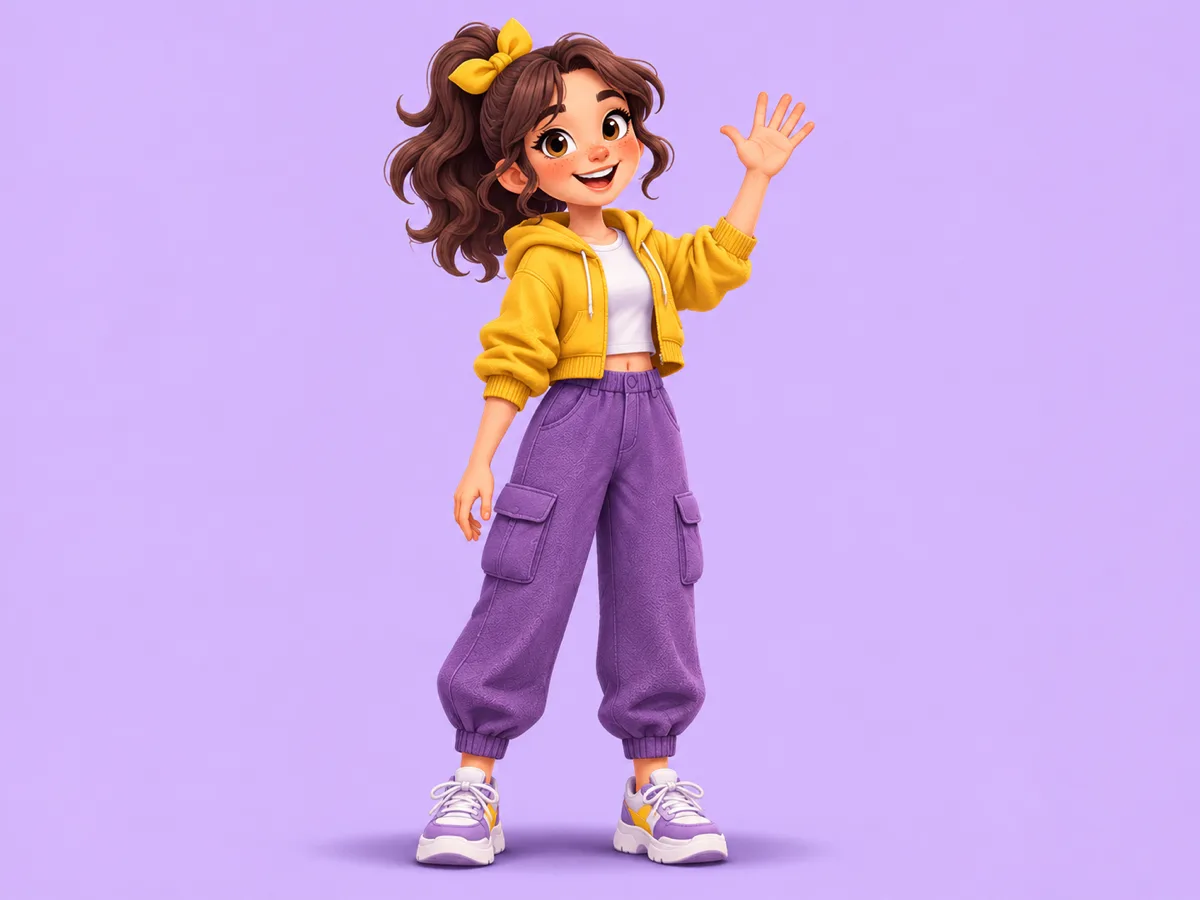
Hailuo 2.3 Pro · Arm wave · Low · 6 seconds

An illustrated cartoon character stands full length, with both arms in a natural shape. Arm wave, with one arm lifting and both feet staying in frame. Low amplitude, a small motion that keeps the full body in place. No readable text.

A cartoon arm wave

Illustrative still of a full-body cartoon character with one arm raised.

Illustrative still: a cartoon character posed with one arm raised.

What does an AI dance video generator animate?

An AI dance video generator animates one full-body photo into an original short motion. A robot mascot, an adult in loose clothes, or a cartoon character can take a side step, a gentle groove, or an arm wave.

The motion comes from the description on this page. It is not a copied routine, and it does not follow a beat from a music library.

Hands and feet should be visible in the photo. Low amplitude keeps the motion small. Medium amplitude makes the same step clearer while the full body stays in frame.

A photo dance clip vs a copied routine

Seedance 3 danceDance templatePhoto slideshowMotion-capture edit
StartOne full-body photoA fixed routineStill photosA recorded performance
MotionSide step, gentle groove, or arm waveThe template's routineCuts between stillsTracked joints
AmplitudeLow or medium, full body staysThe template's sizeNo body motionThe capture's size
Length6 or 10 secondsThe template lengthSlide timingThe take length
FrameFollows the photoThe template frameThe slide frameThe capture frame
ResultAn MP4 of this photo movingA look-alike routineA sequence of stillsAn edit of a performance

This page opens on Hailuo 2.3 Pro because the clip starts from one full-body photo. Six and ten seconds are available. The frame follows the photo, so there is no separate aspect or resolution switch. The motion is a side step, a gentle groove, or an arm wave, at low or medium amplitude.

How to make a photo dance

  1. 1. Add one full-body photo

    Use one JPEG, PNG, or WebP photo up to 20MB. Hands and feet should be visible, and the person or mascot should fit in the frame.

  2. 2. Choose the step

    Pick Side step, Gentle groove, or Arm wave. The choice rewrites the motion sentence and leaves the rest of your description in place.

  3. 3. Set the amplitude

    Low keeps the motion small. Medium makes that same step clearer. The full-body framing stays either way.

  4. 4. Generate and check the body

    Generate is the step that creates the clip. Check the feet, hands, face, and clothes, then download the MP4 for the length you chose.

Dance questions

What does an AI dance video generator animate?

It animates one full-body photo into an original short motion, such as a side step, a gentle groove, or an arm wave. The result is a clip of that photo moving, not a copied dance video.

How do I make a photo dance?

Add one full-body photo, choose Side step, Gentle groove, or Arm wave, then set Low or Medium amplitude. Generate, check the feet, hands, face, and clothes, and download the MP4.

Do I need a full-body photo?

Yes. Use one JPEG, PNG, or WebP photo up to 20MB, with the hands and feet visible. Zero photos or two photos do not start a clip.

Can I upload a dance video to copy?

No. Add one photo and describe the step. This page does not take a reference dance video.

Does amplitude change the move?

Yes. Low and Medium rewrite the motion sentence. The full body stays in frame either way.

Does a longer clip change the credit estimate?

Yes. The button shows the estimate for the length currently selected. Changing 6 seconds to 10 seconds updates that number before you generate.

Can I pick a different frame or resolution?

No. The clip follows the photo. This page does not offer a separate aspect or resolution switch.

Does the clip include a music track?

No. The description controls the motion. This page does not include a music library or beat matching.