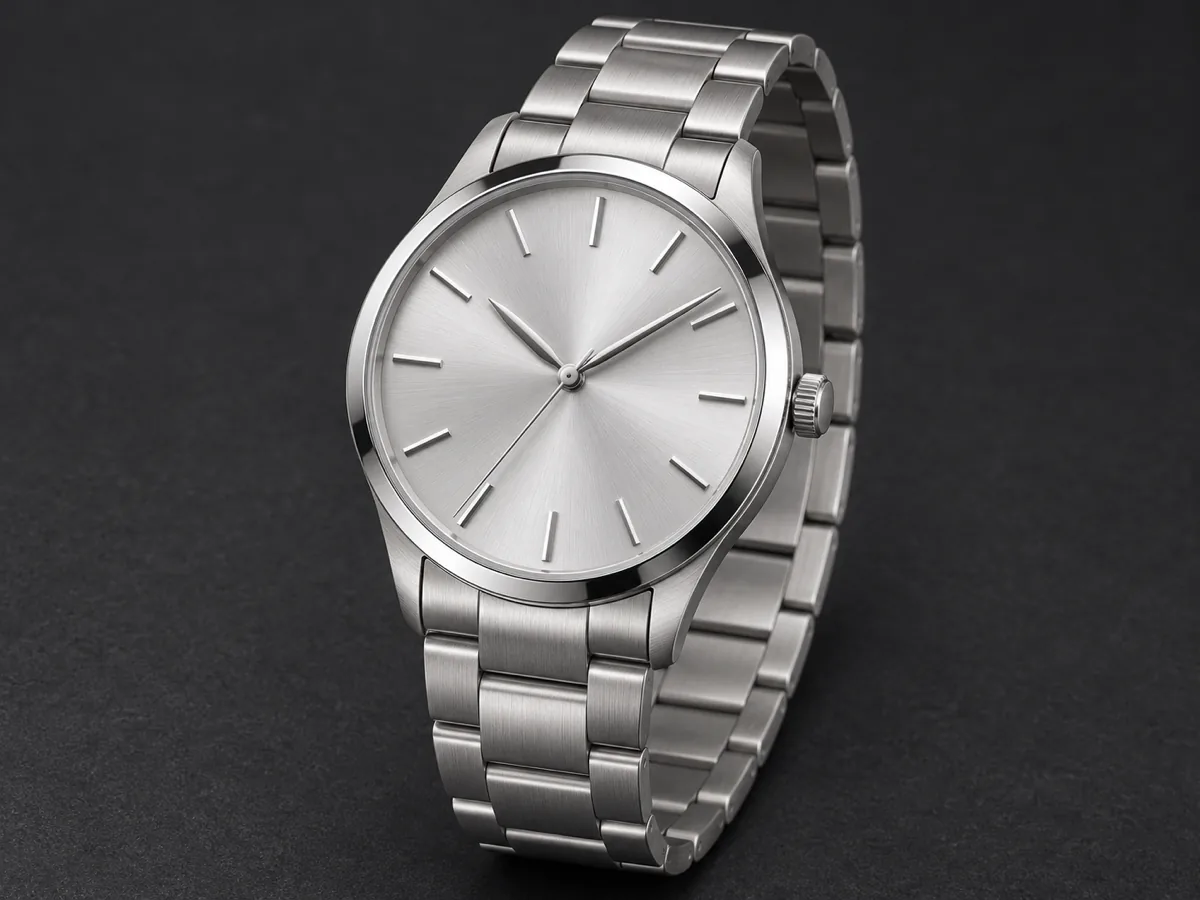
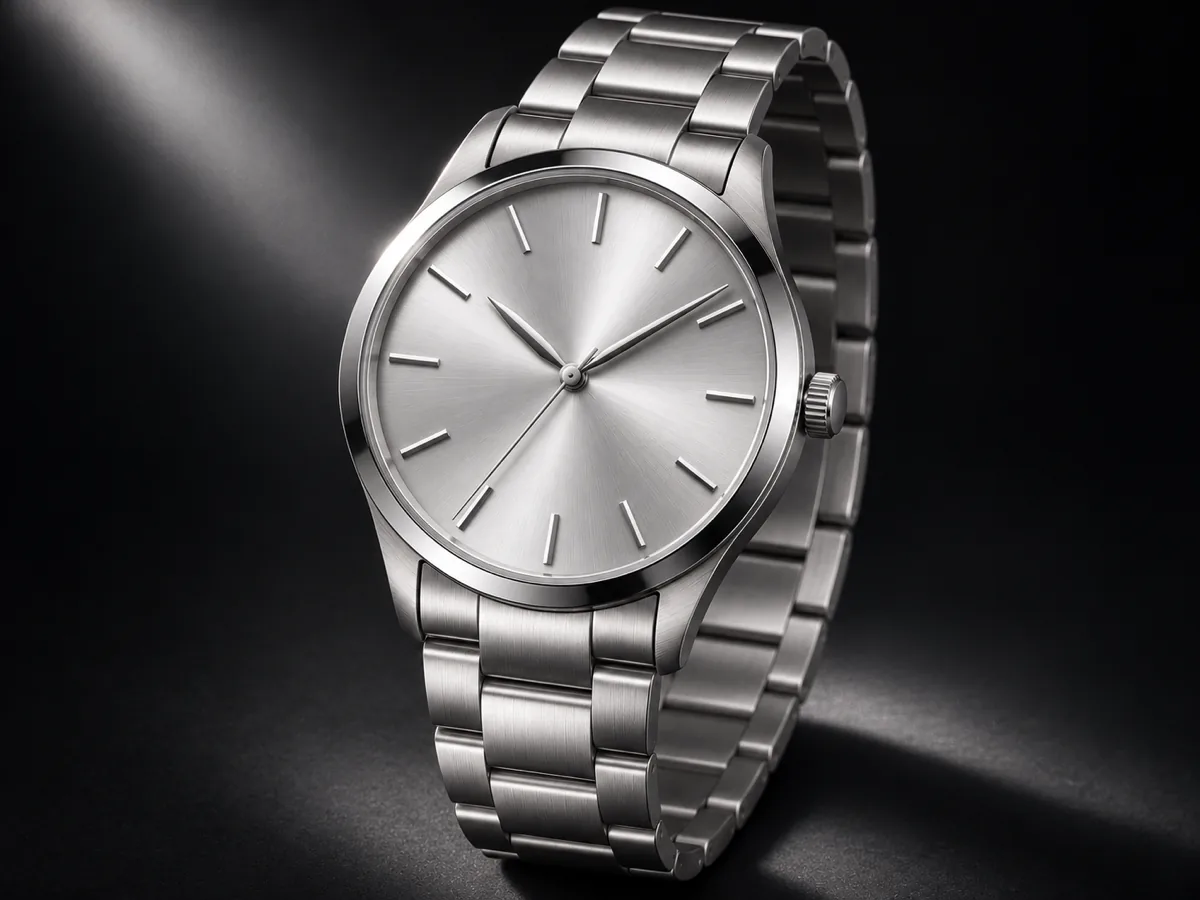
What is an AI product video generator?
An AI product video generator turns one product photo into a short showcase. On Seedance 3 you add the product name and up to four selling points, then download an 8-second clip for a store page or a short-video feed.
What makes a useful product showcase video?
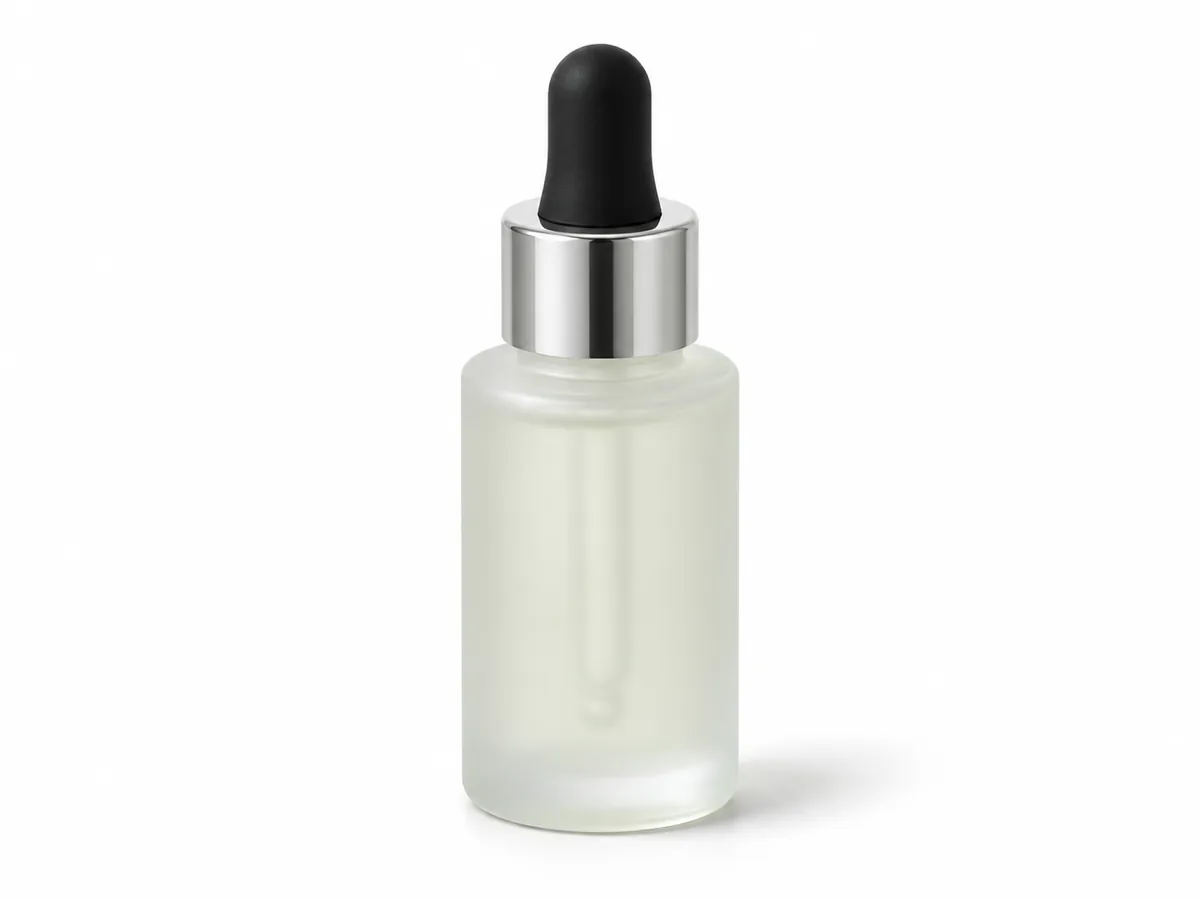
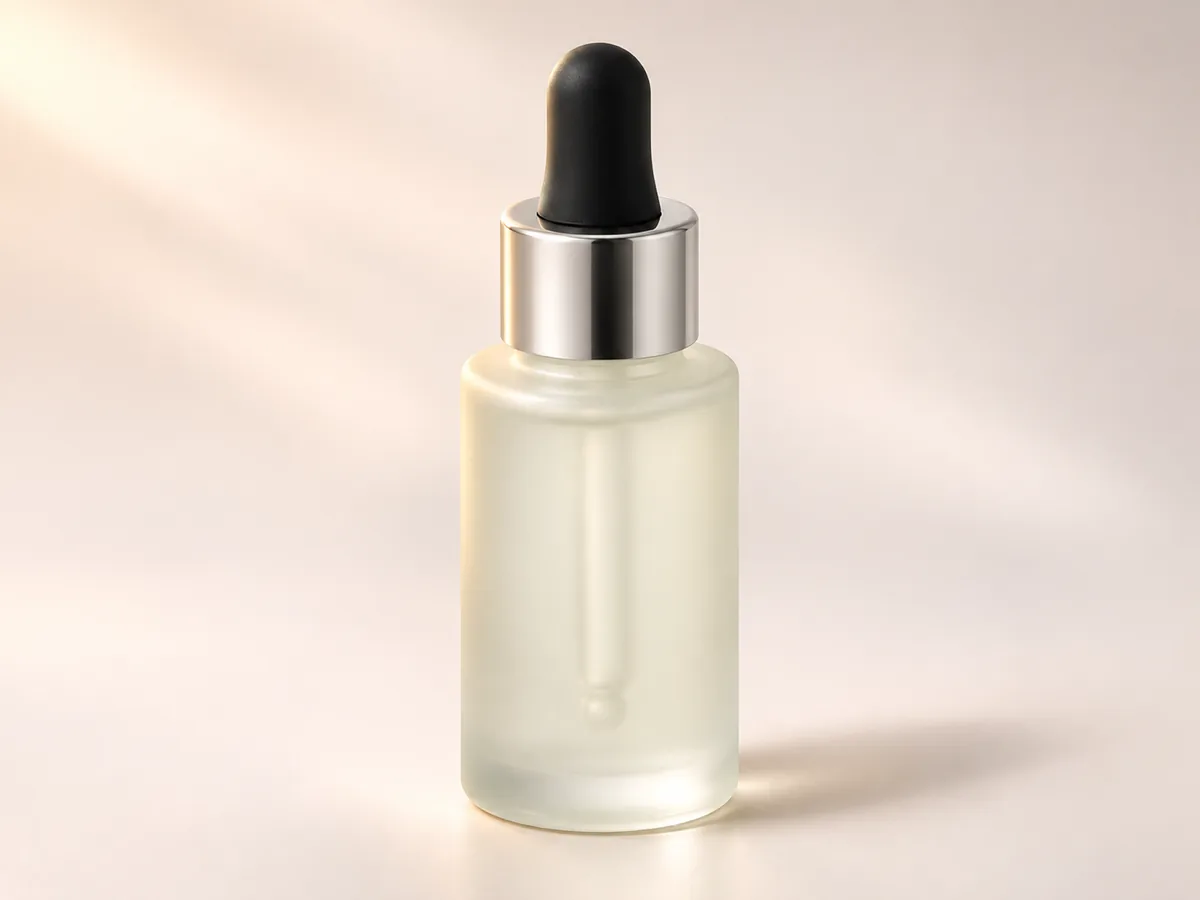
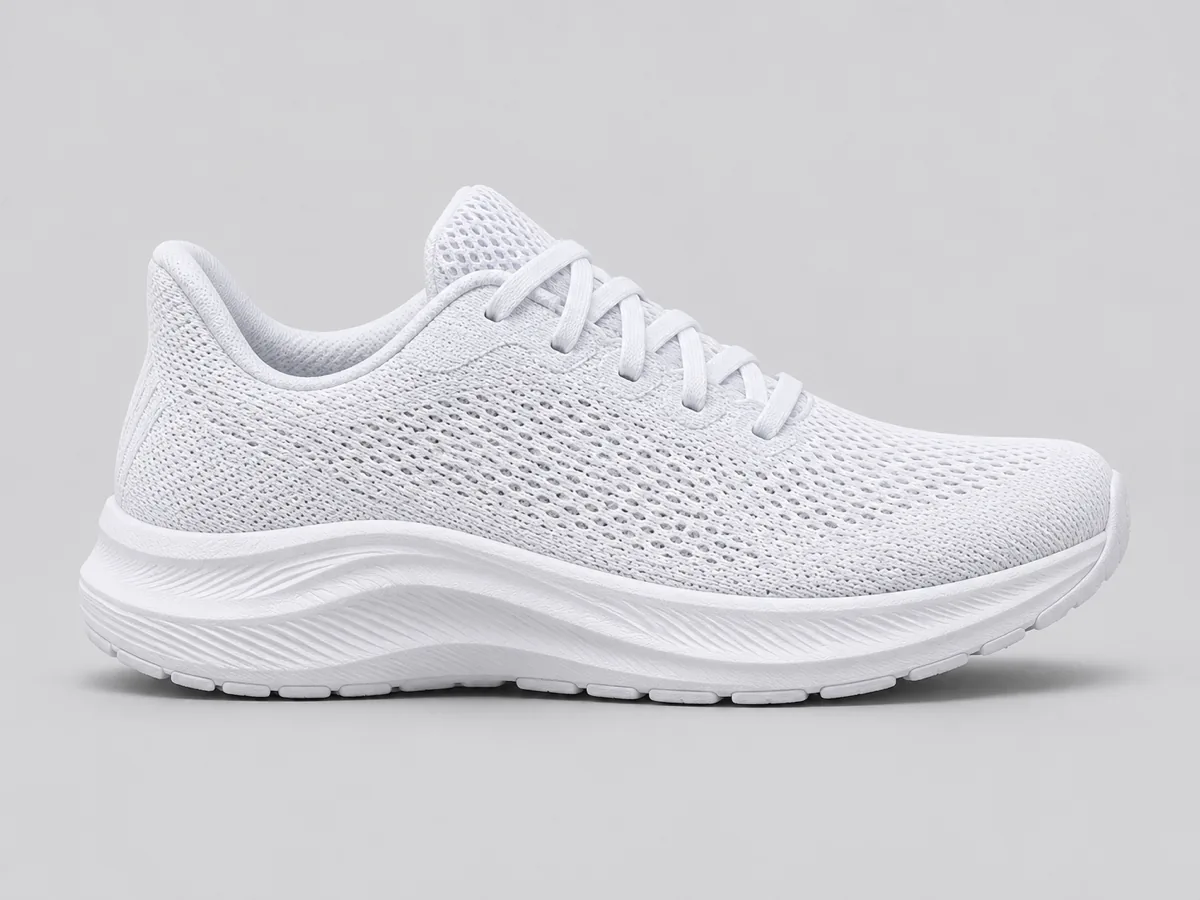
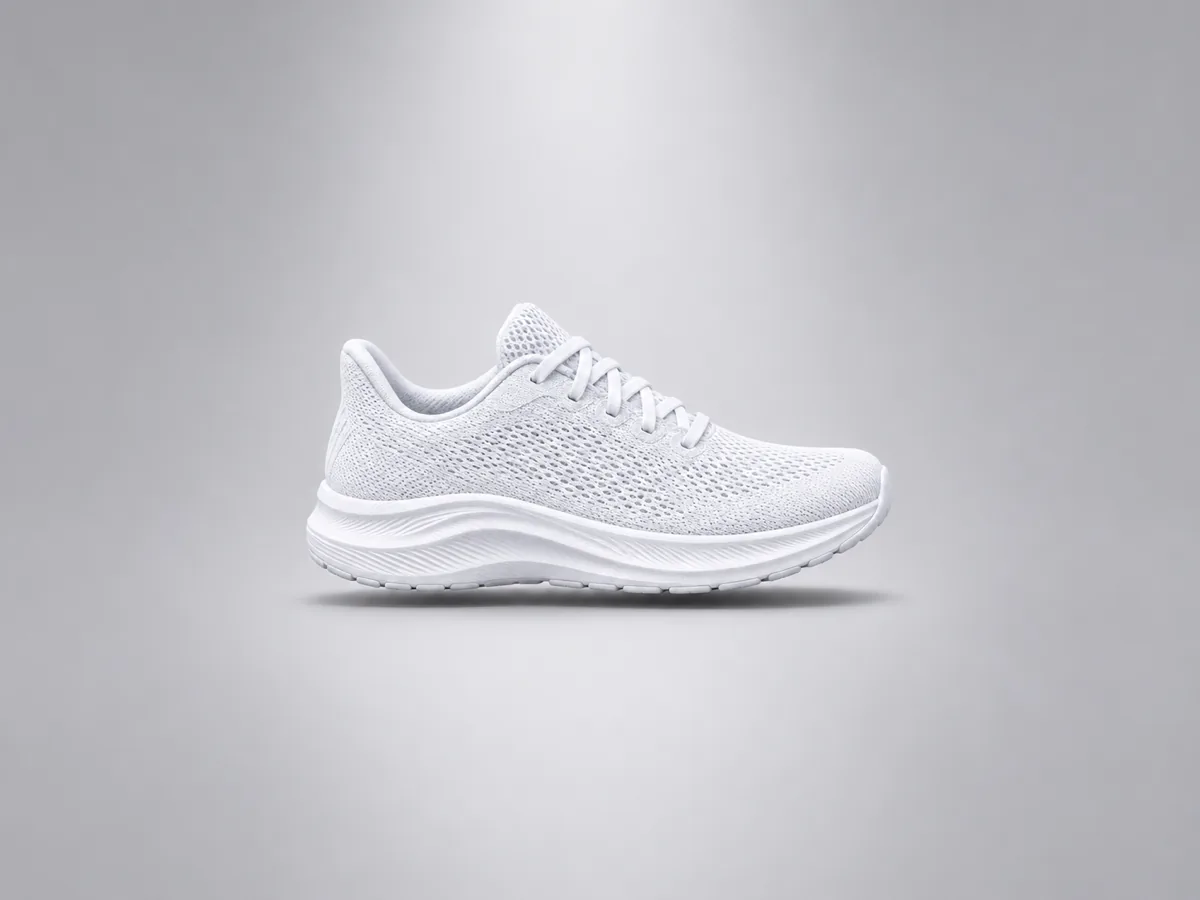
The outline stays recognizable, one material reads clearly, and one detail such as a cap, a sole or a dial survives the shot. The clip ends on a clean hero frame the store can publish.
How do I animate a product photo for my store?
Upload one JPEG, PNG or WebP photo, enter the product name and one to four selling points, choose Studio, Luxury or Lifestyle, pick Shopify, Amazon, TikTok, Reels or Shorts, write the shot script, then generate.
How is a product showcase different from a marketing hook?
A product showcase keeps the product itself in frame. A marketing hook is built around a pain point and a promise. A talking review puts a person on camera. This page uses the product photo as the subject.
Which stores and feeds can the clip fit?
Shopify and Amazon use 16:9. TikTok, Reels and Shorts use 9:16. Picking a shape in the settings updates the matching store. The default is an 8-second 720p Shopify showcase.
How many photos and selling points can I add?
One product photo, and one to four selling points. Zero photos, a second photo, a missing name, and a fifth selling point stop before a generation starts.
Does writing the shot script use credits?
Writing the shot script stays on the page and does not start a generation. Credits apply when you press Generate. The estimate follows the model, length and resolution on the chip.
Will the label text match the photo exactly?
The outline, color and material should stay recognizable. Small label text can still shift. Check the preview, then adjust the selling point or the script and generate again. The last finished file stays until the new one succeeds.